Free Basecamp tutorials and training videos. Master message boards, to-dos, card tables, and more — get your team productive fast.
Ready to get started with Basecamp?
Basecamp Basics
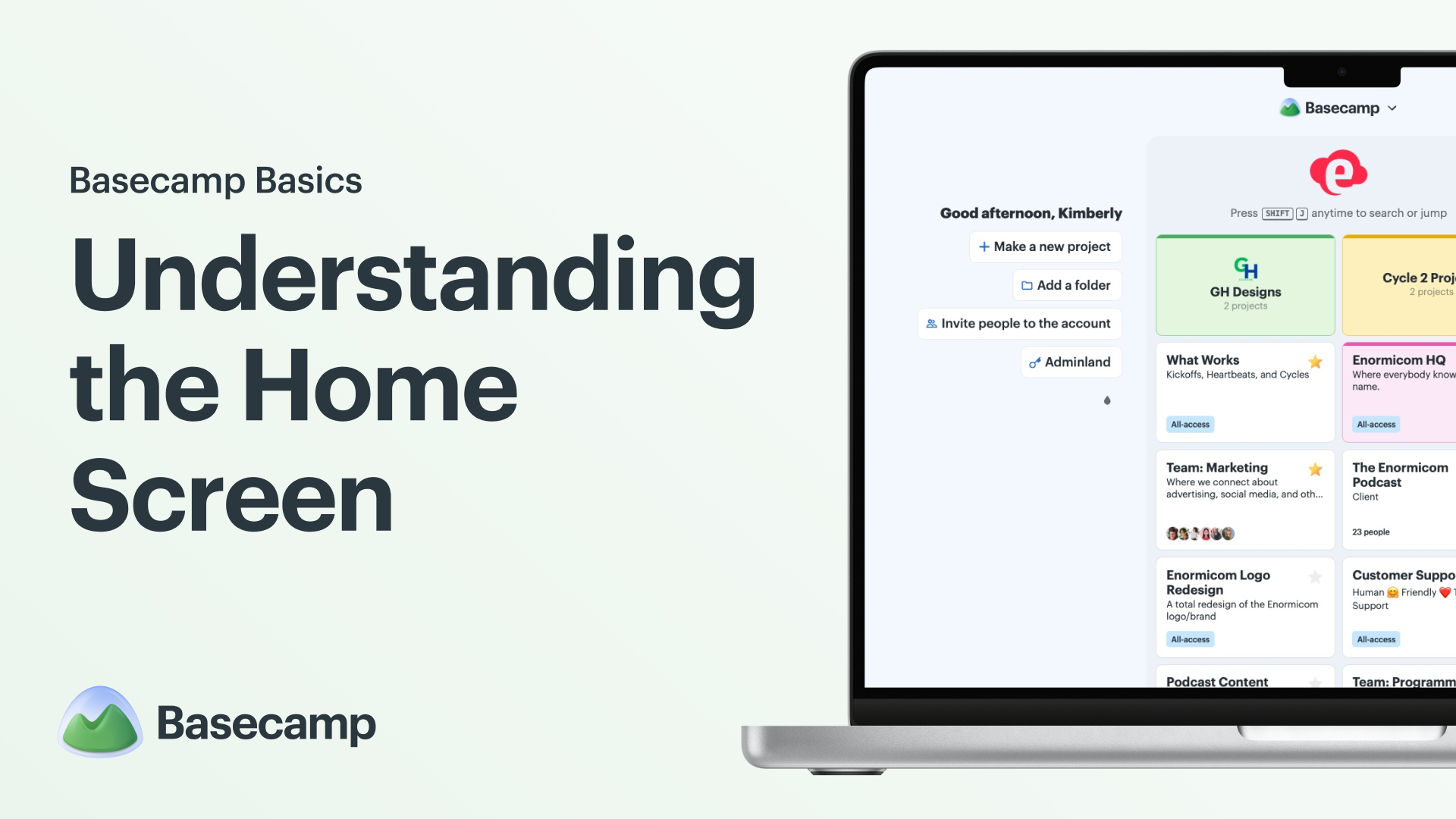
Understanding the Home Screen
How to add your logo, pin your most important projects, view projects in a list, and jump between projects with a quick keyboard command.
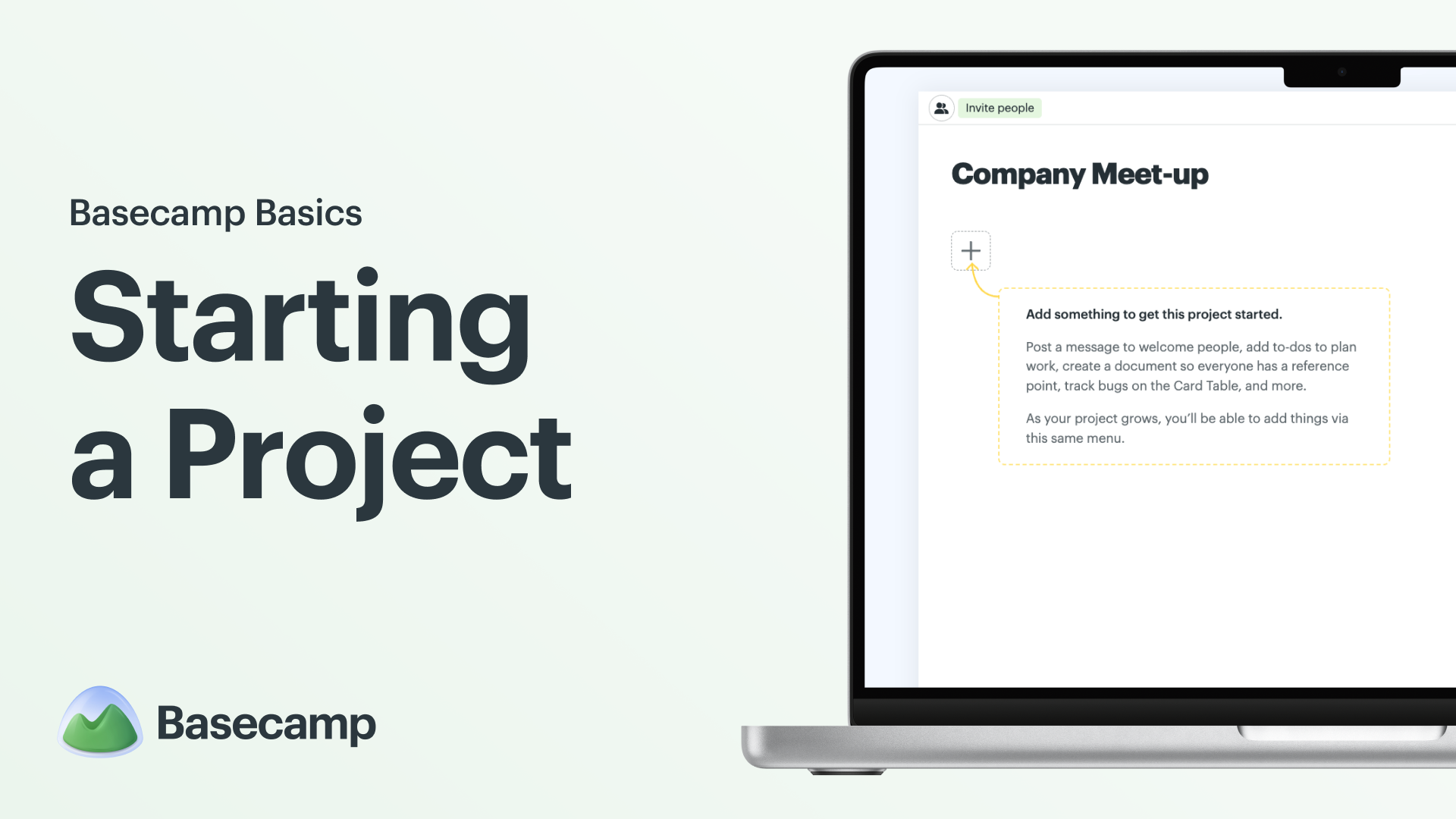
Starting a Project
Before starting your first project, learn about invite-only and all-access projects, project tools, and managing tools within a project.
Inviting People to Collaborate
Basecamp shines when it comes to collaboration — learn how to invite people to your account, add them to a project, and set their involvement level.
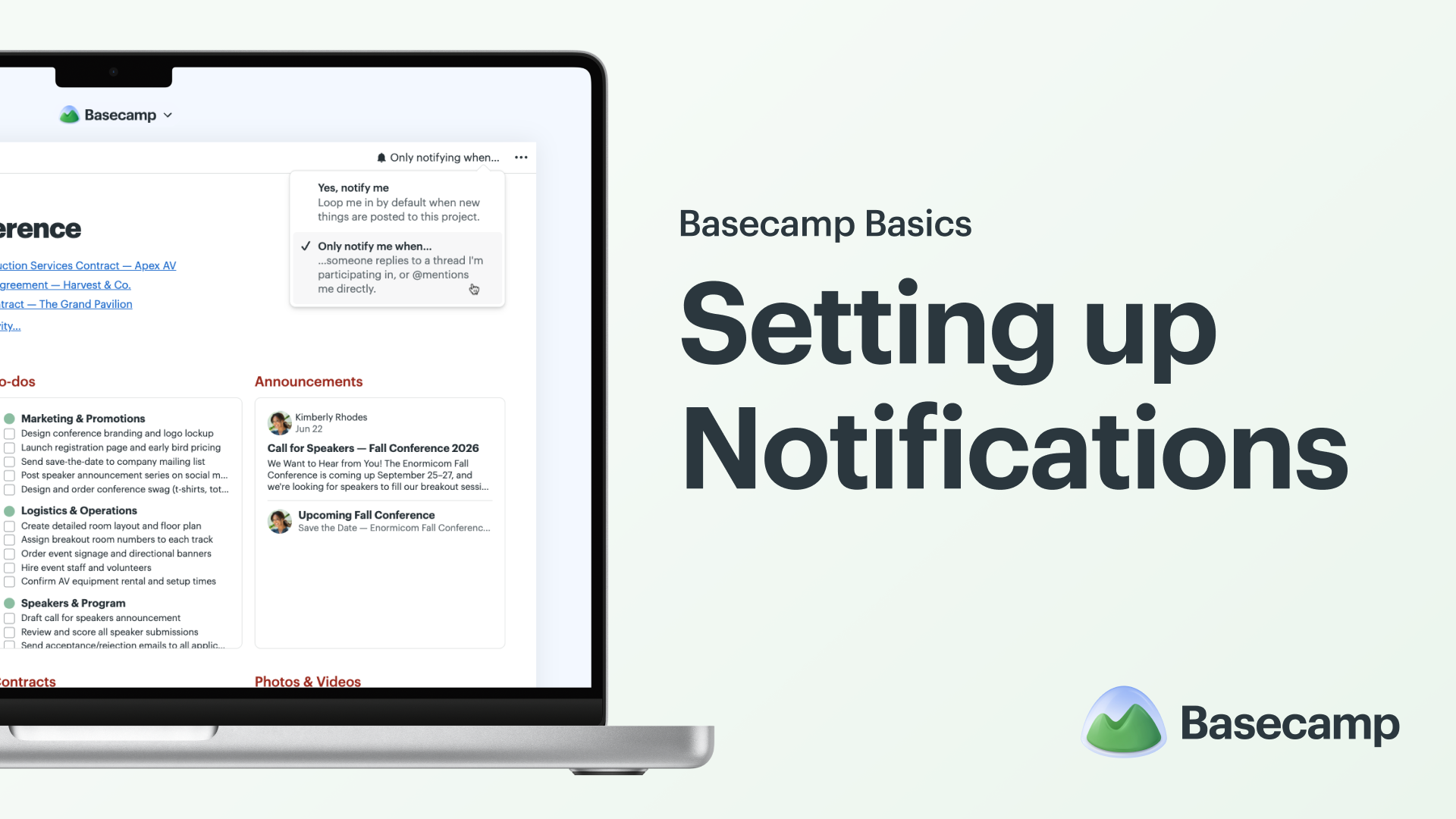
Setting up Notifications
Personalize your notification settings. Whether you want them all day, every day, or need to temporarily turn them off, this video walks you through it.
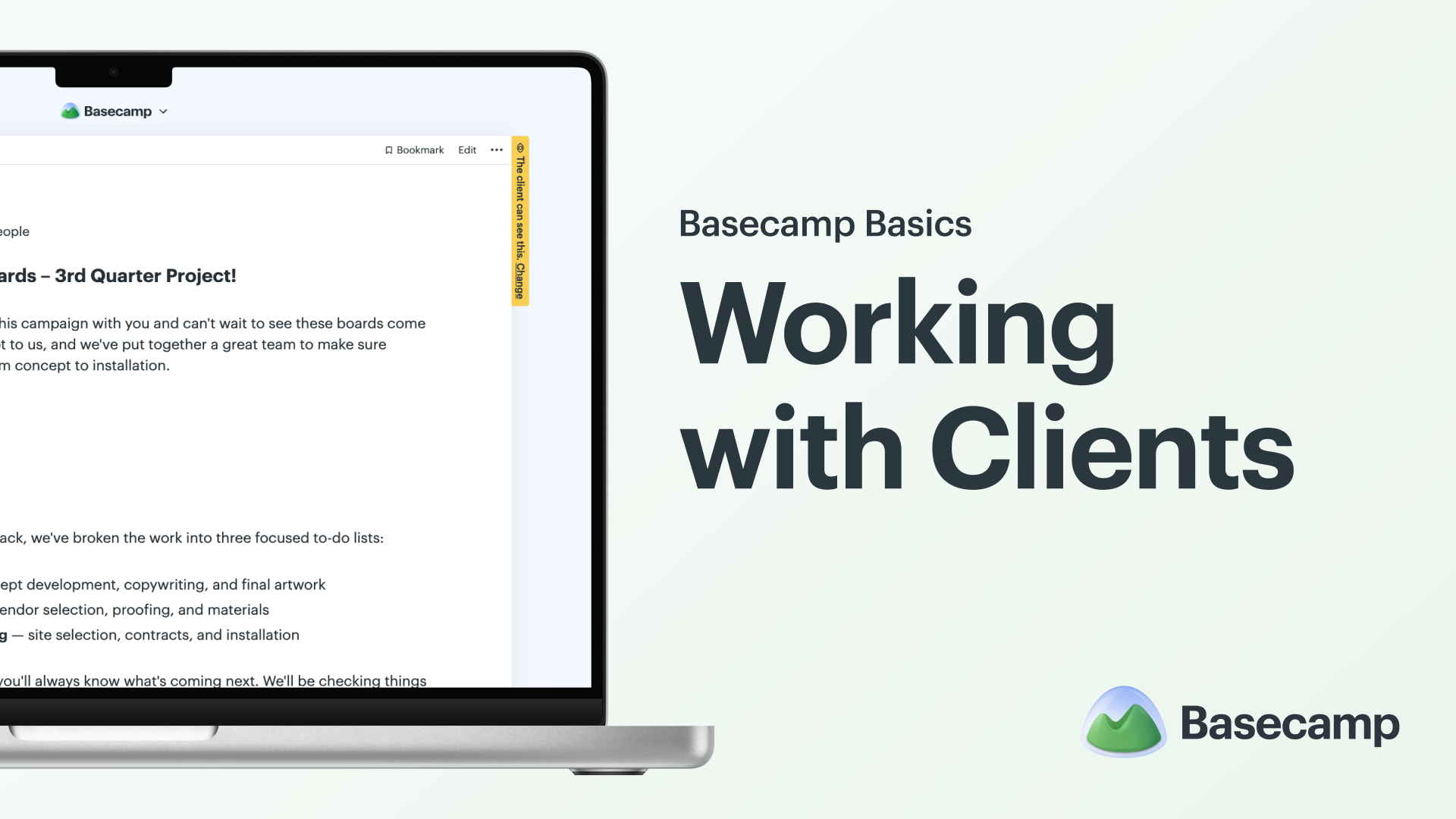
Working with Clients
Collaborate with clients in Basecamp while keeping internal work private. Learn how to invite clients to a project and control what they can see.
New in Basecamp
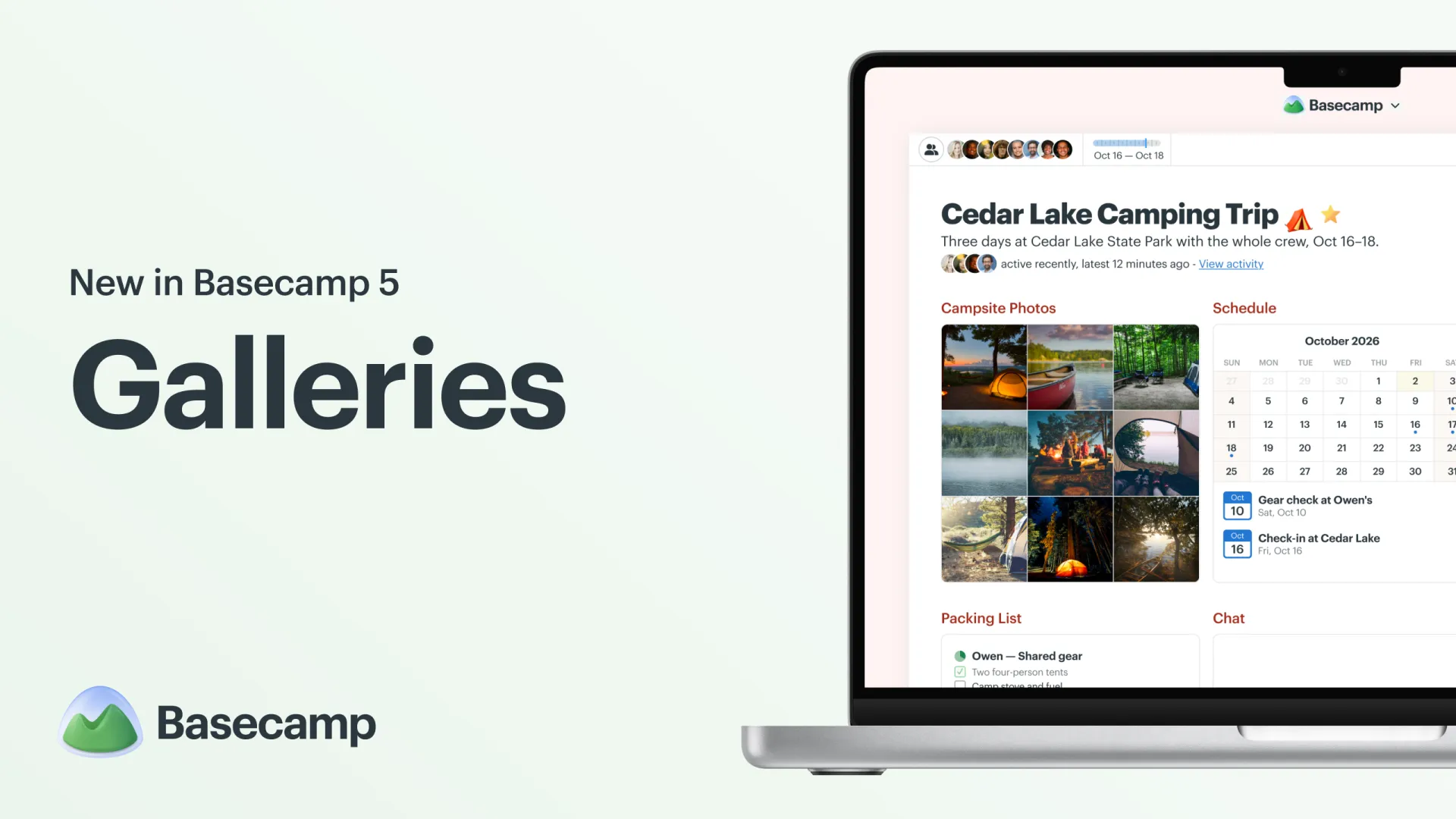
Galleries
Switch any Docs & Files folder from a list to a gallery-style grid to browse photos, images, and videos at a glance. Your view is personal to you and remembered for each folder.
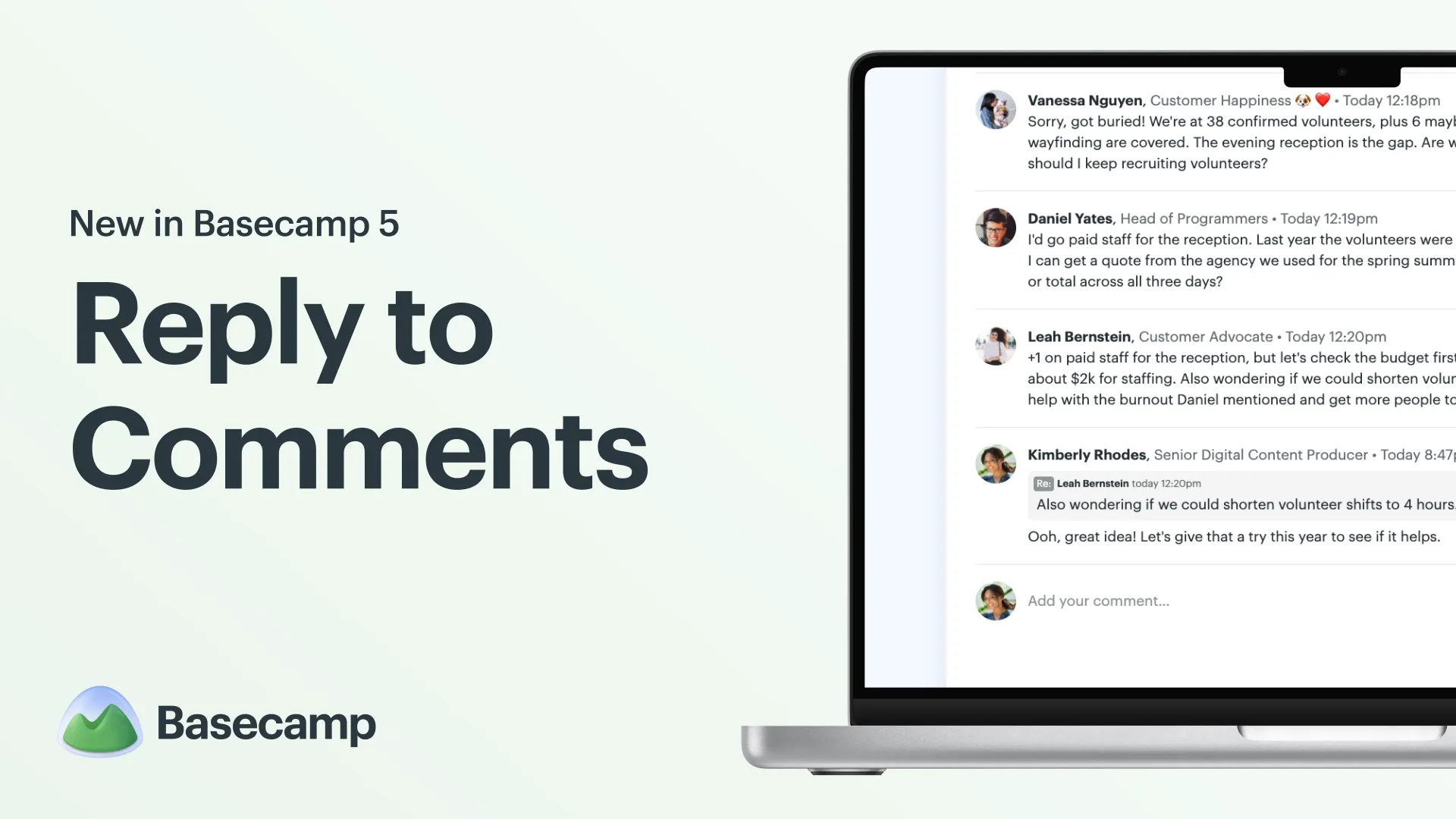
Reply to Comments
When a conversation gets busy, it isn’t always obvious which comment someone is responding to. Now you can reply directly to a specific comment, or quote just the part you’re responding to.
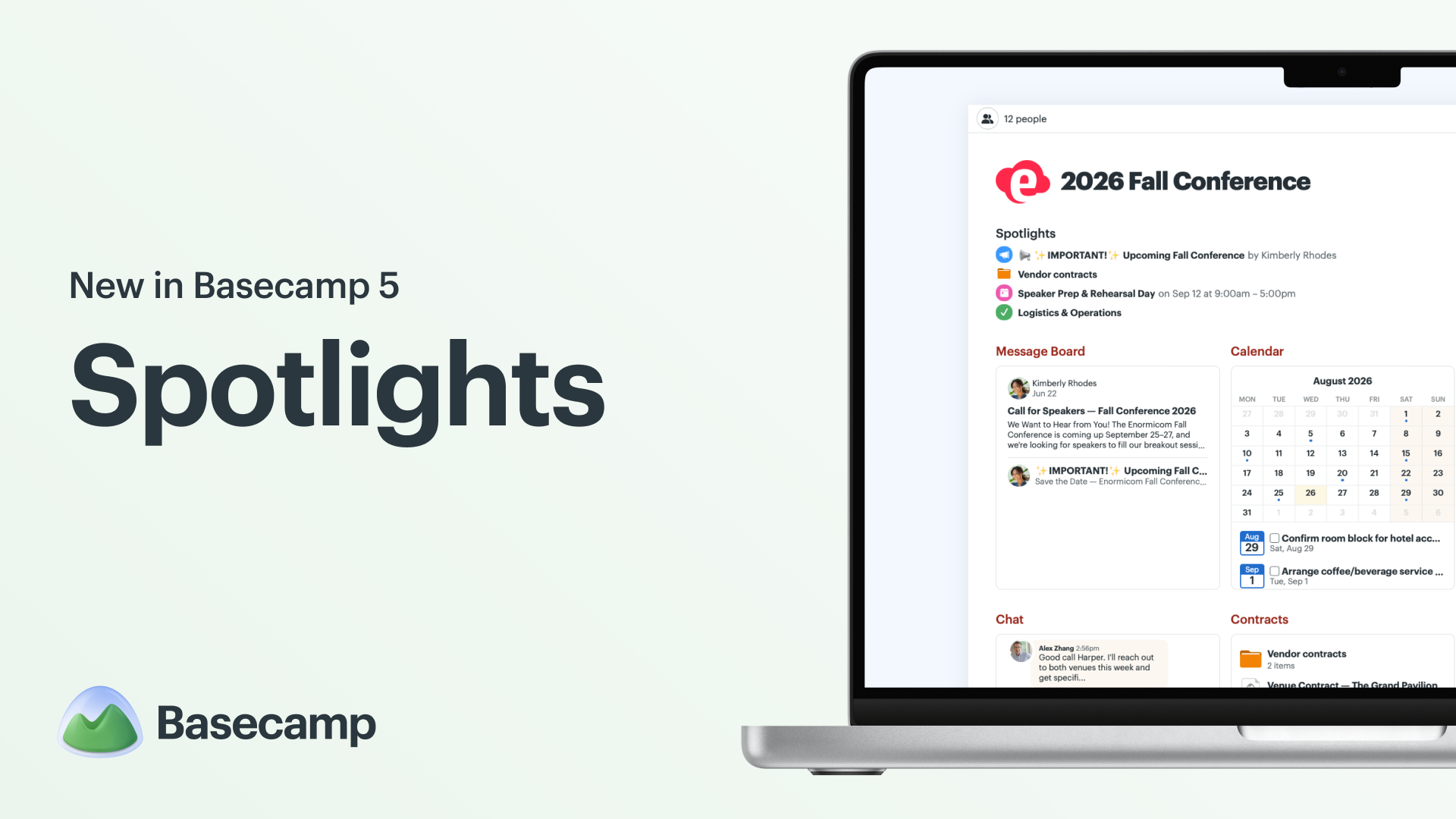
Spotlights
Not everything in a project is created equal. Some parts deserve a little extra attention. Now you can surface them right on the project home screen with Spotlights.
Keyboard Shortcuts
Basecamp 5 has a bunch of new keyboard shortcuts so you can move faster, navigate between screens, and do common actions without taking your hands off the keyboard.
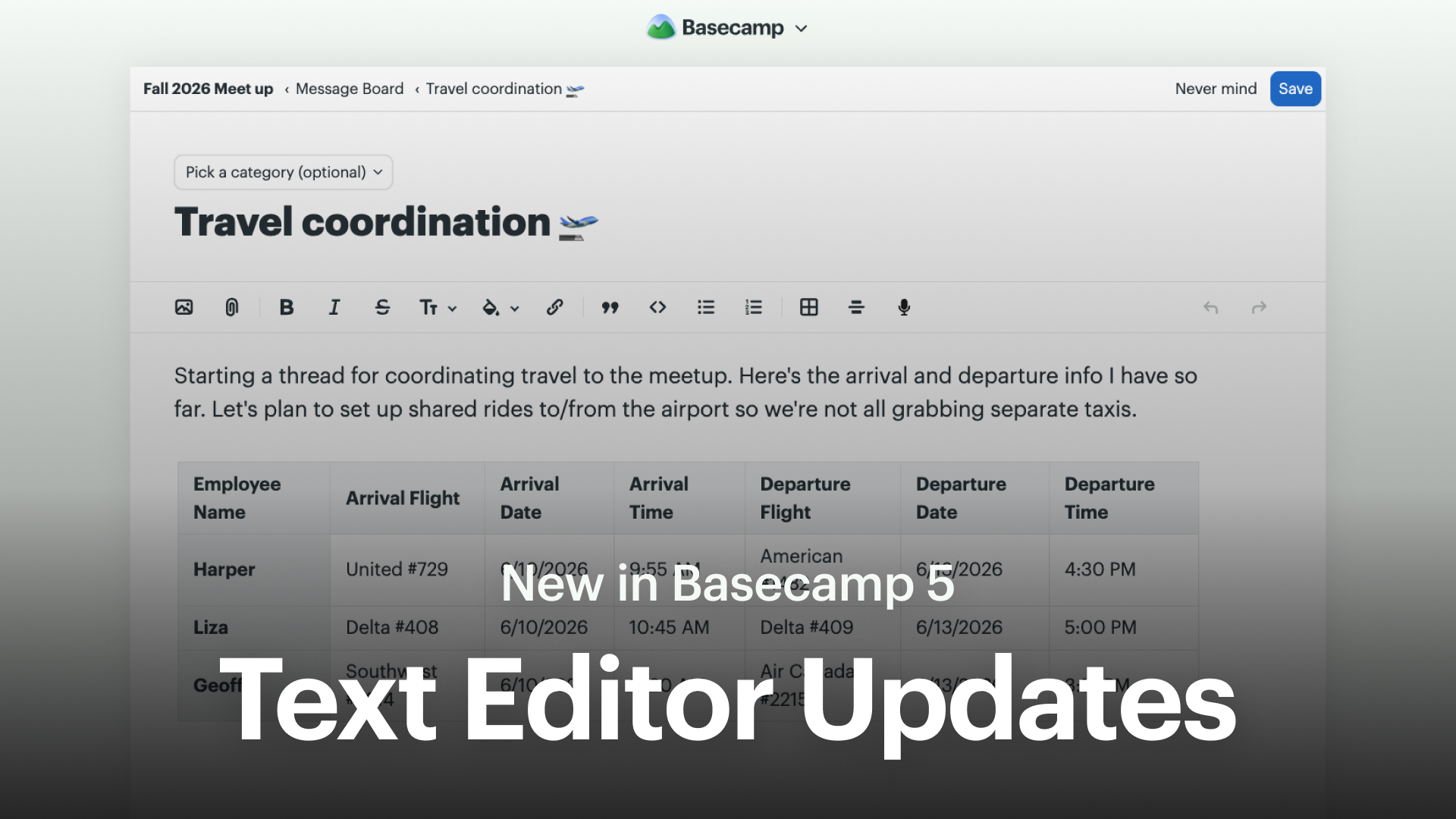
Text Editor Updates
We built a new text editor to make writing in Basecamp the best possible experience. It includes three big new features — tables, voice notes, and Markdown support.
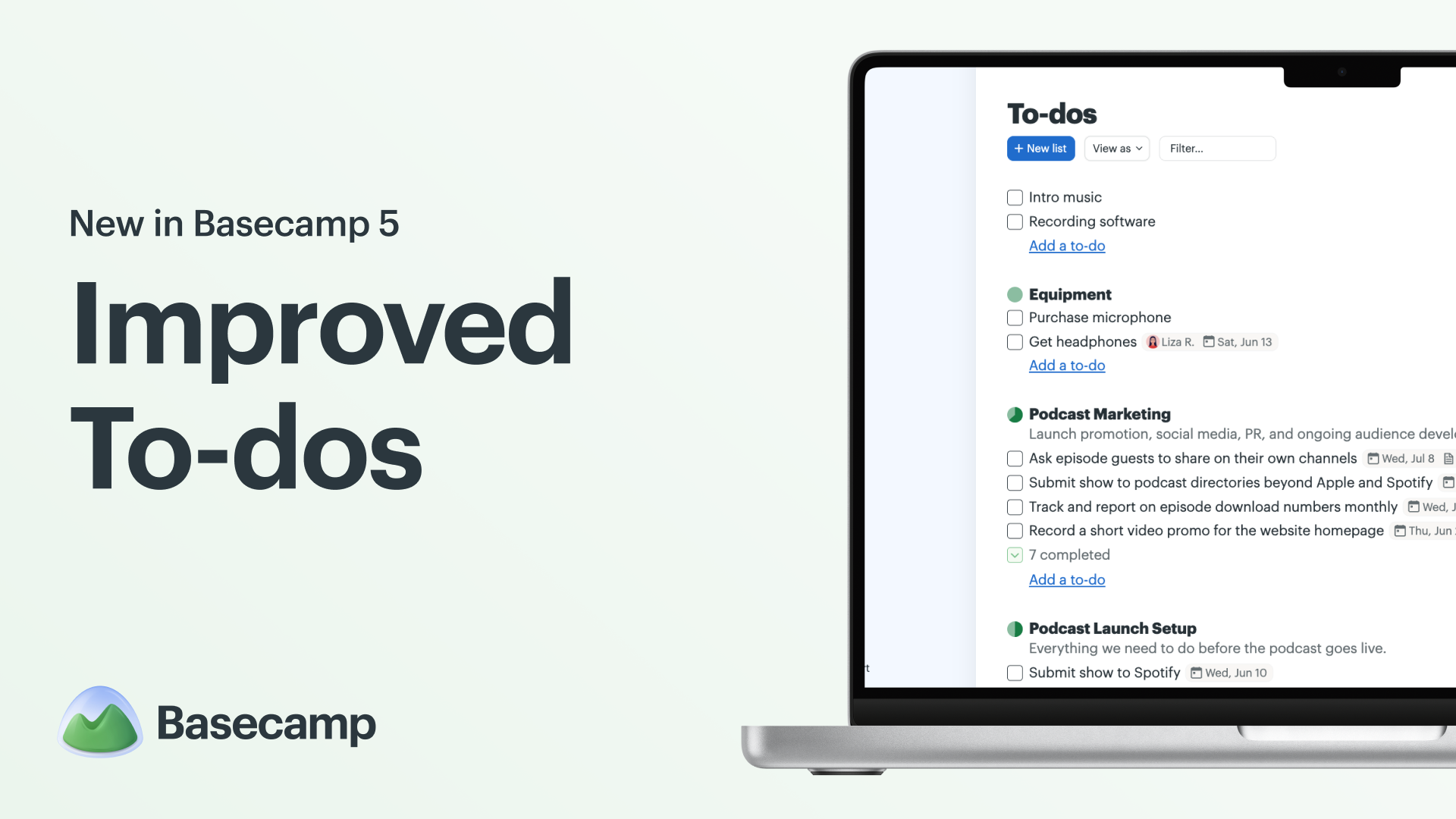
Improved To-dos
To-dos are at the heart of getting work done in Basecamp, and we’ve made improvements to help you stay on top of your projects.