We’re excited to share some big improvements to the My Bar tray at the bottom of your screen. Here’s what’s new.
Now, links to your tasks, events, bookmarks, and notes open up full screen. The extra space makes the content easier to see, and the popups are no longer competing for focus with other stuff on the screen. The extra space has another benefit, too. You don’t have to click “See all” to expand to your full list of tasks or your entire schedule. Everything’s right there — just scroll to see more.
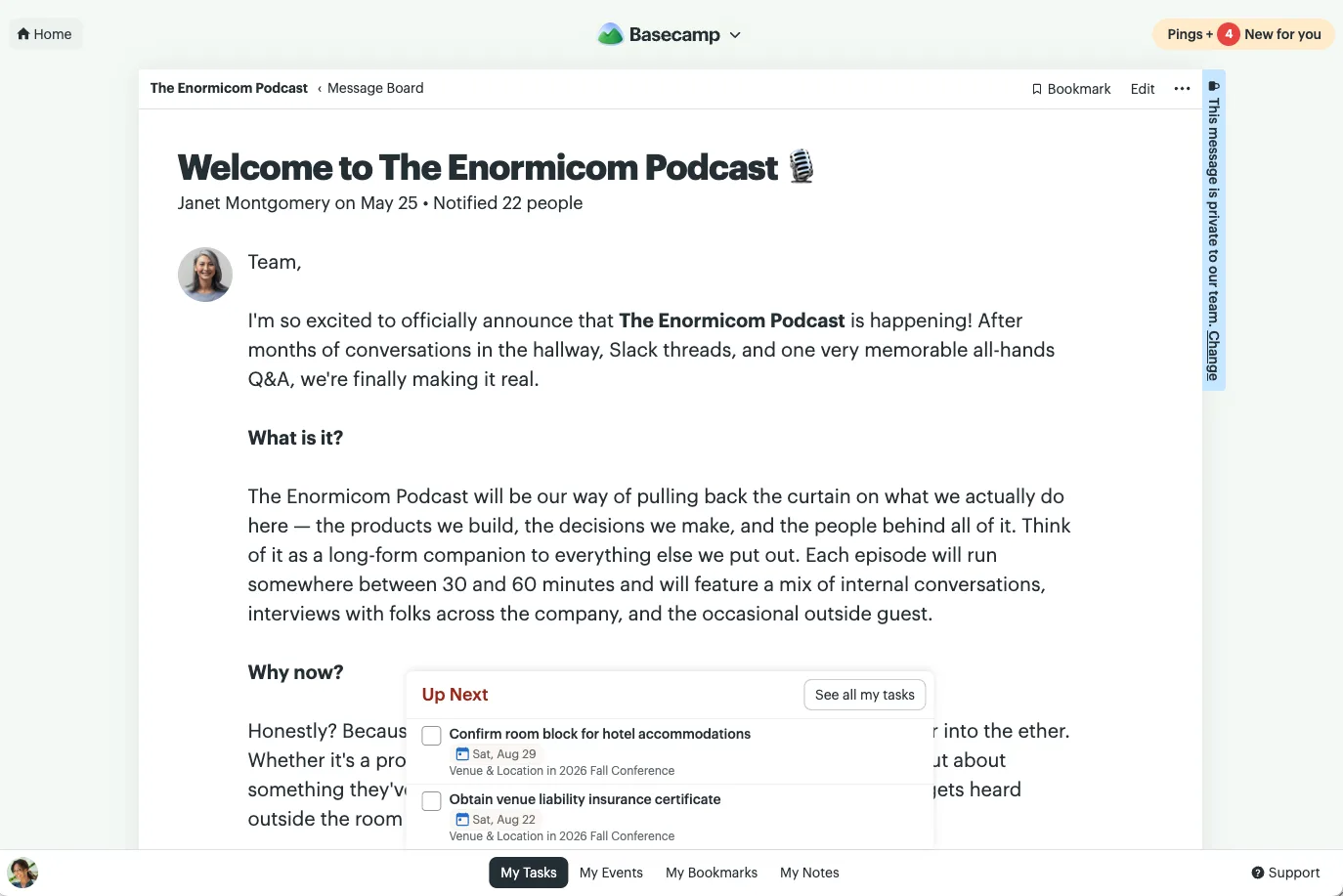
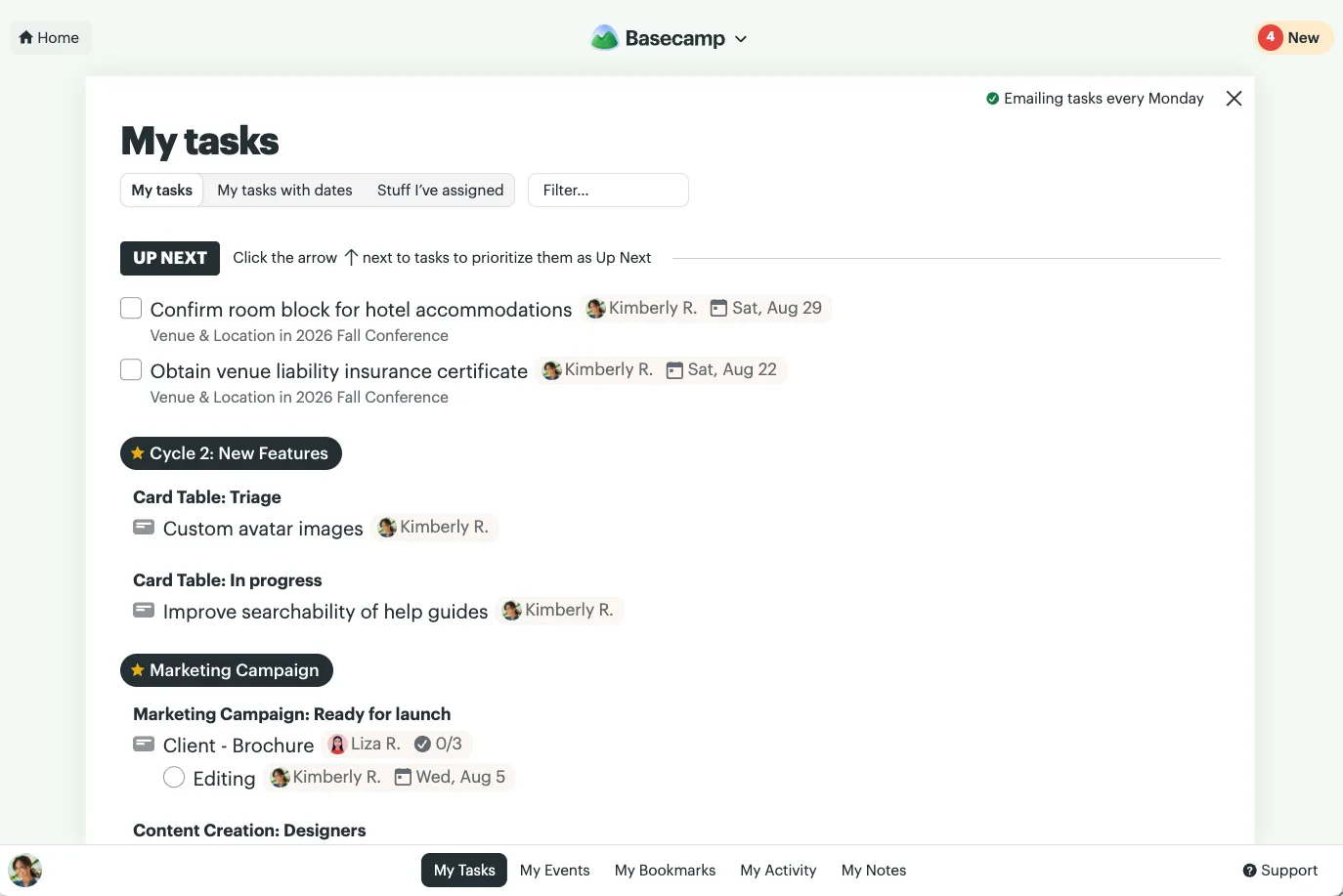
Like before, those links pop up on top of the page you’re on, so it’s easy to get back to where you were.
We also added filters at the top so you can easily find things right in place. Start typing to quickly narrow things down.
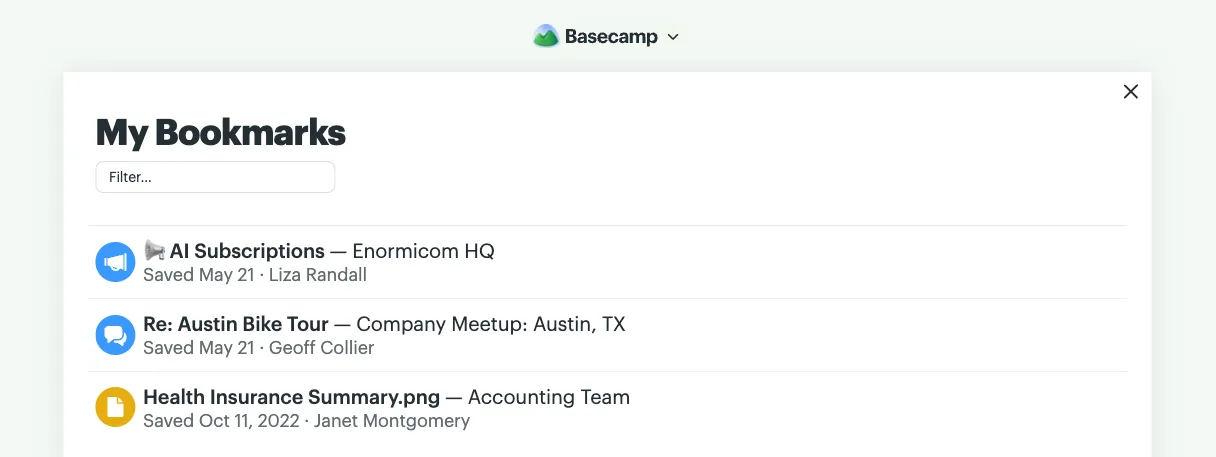
There’s also a new link in your bottom tray — My Activity. Now you can get back to a document you recently posted or add to a recent discussion you were a part of even faster. Click My Activity at the bottom of your screen to see it all. Use the filter at the top to find something specific, or simply scroll back through what you’ve been up to.
See the before and after in this quick video.
More room, less clicking, and a faster way to find what’s yours. We hope you enjoy the improvements!