Templates are the way to go when you find yourself doing the same kind of work over and over again. Basecamp already has project templates for recreating entire projects and to-do list templates for those tasks you repeat all the time. Now, Card Tables have templates, too!
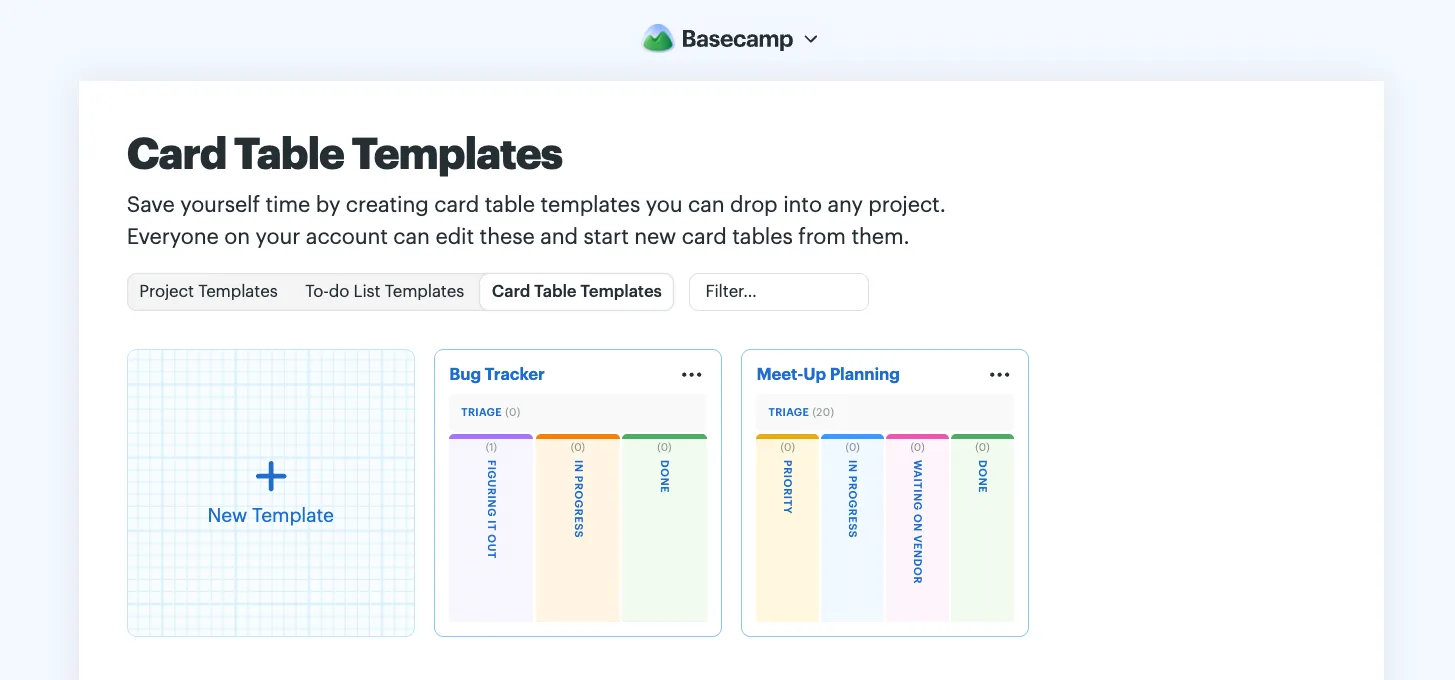
Jump to the templates page by typing Templates into the main Basecamp menu. Select Card Table Templates, then New Template to make one from scratch. Set up your workflow exactly how you’d like — add or rename columns, create cards, change colors, and more.
Have an existing card table you want to repeat? Turn it into a template with the ••• menu at the top right, then Save as a project template. Choose whether to include the people and comments from the original, and decide if all the cards should move back to Triage for a fresh start. Click Create template to save.
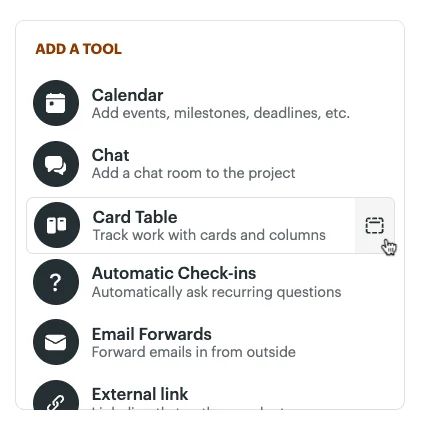
Use your template anytime you add a new Card Table tool to a project. Click the template icon to the right of the Card Table tool, then choose the template you want to use. Basecamp will spin up a fresh copy with everything already in place.