Group pings are great for pulling a few people together for a conversation, but until now, the group you started with was the group you were stuck with. If you needed to add a person or someone wanted to leave the conversation, you had to create a whole new thread and lose all that conversation history in the process.
Not anymore! Now you can add or remove people from group pings.
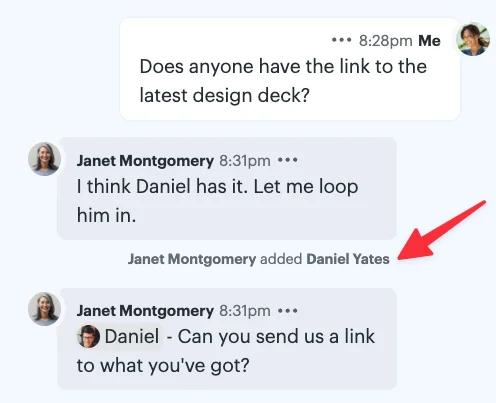
To make a change, click the names at the top of a group ping to add or remove someone from the conversation. You’ll see a note in the ping whenever the group changes, so everyone knows who’s come and gone.
Anyone in a group ping can add people, rename the ping, or change its image. When someone new is added, they’ll be able to see the full conversation history. Admins and the person who created the ping can remove people. And if you’re in a ping you no longer need to be part of, you can leave anytime.
Whether someone joins the group or bows out, you can keep the conversation going without starting over.