Sometimes you need to keep an eye on more than one chat at a time. Maybe you’re following conversations across a few active projects or bouncing between different teams.
Before, you had to switch between projects to view each chat. With Bonfire, you can see multiple chats from different projects, all on one page.
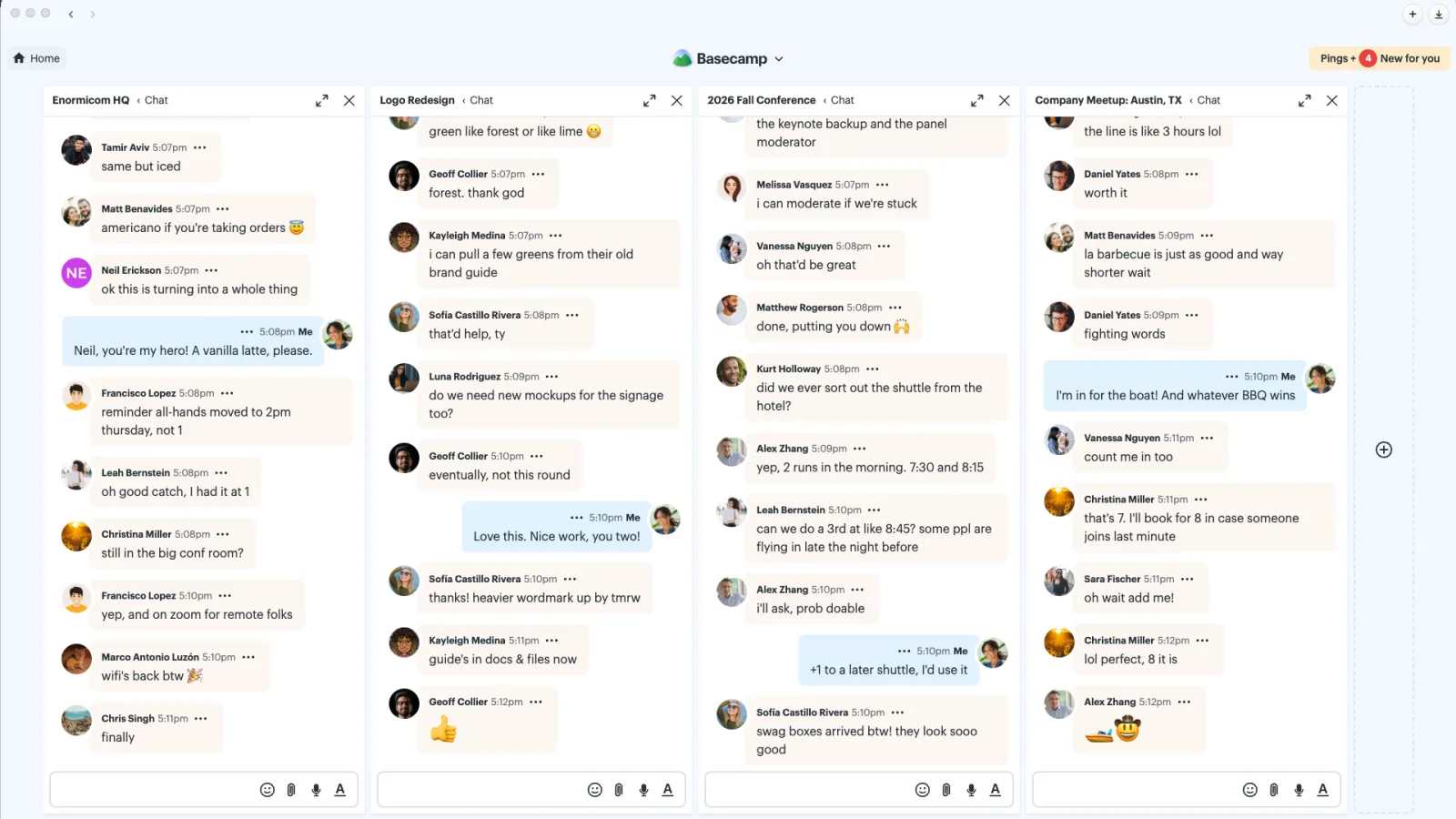
Open the ••• menu in any chat and select View in Bonfire to get started. From there, add more chats with the + button, drag them into the order you like, or close the ones you no longer need. Hold Shift and press C to jump from one chat to the next.
Once you’ve set up your Bonfire, you can get back to it anytime from the Jump menu. Click the Basecamp logo at the top (or press Shift + J), then search for Bonfire.
Want to see it in action? Take a look at this quick video: