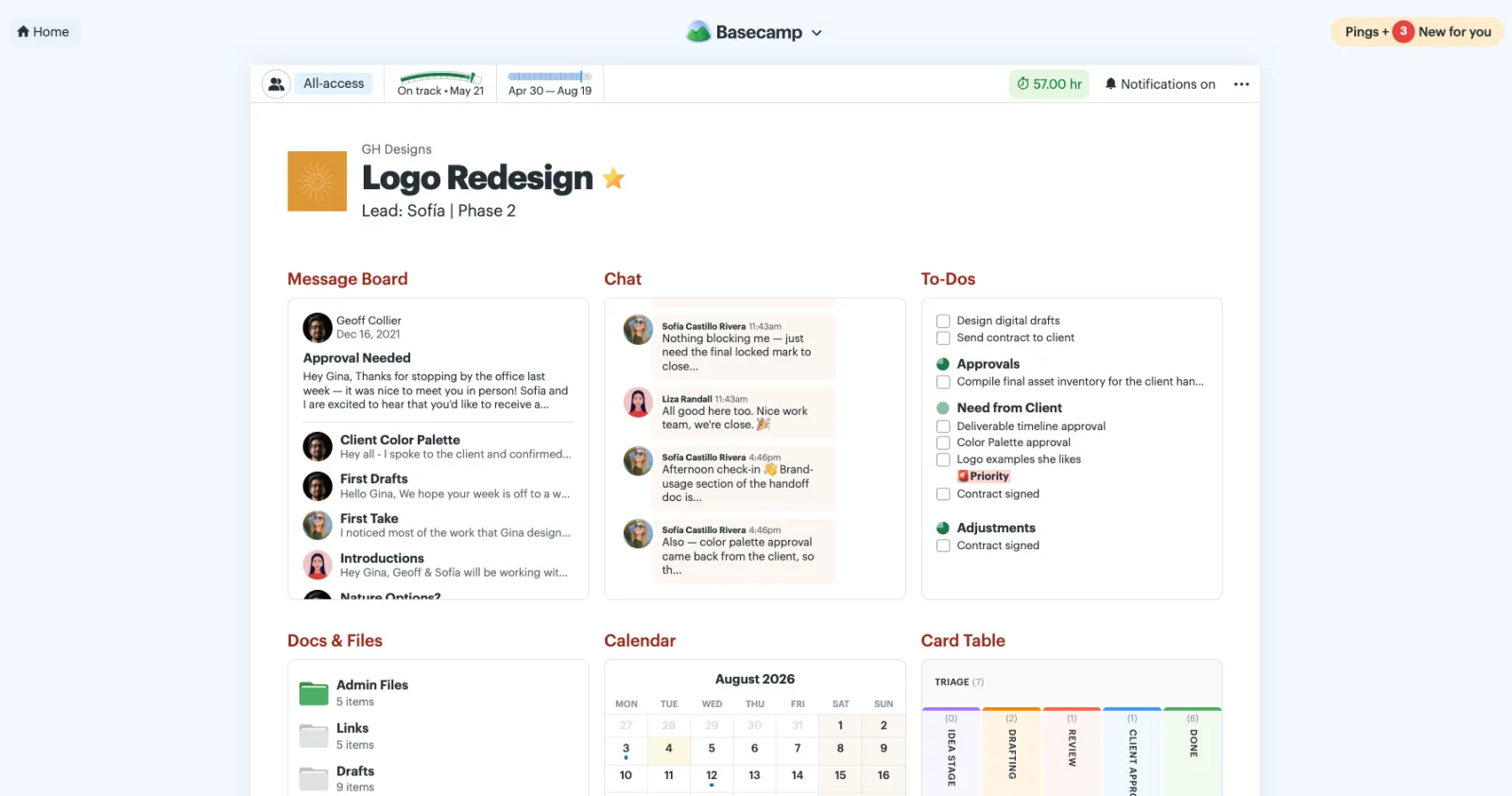
The biggest change is that the New for you button is moving to the top-right corner of your screen. Instead of clicking at the bottom of the screen to open your sidebar, you’ll now click New for you at the top right. It still opens the same sidebar you’re used to. It’s just in a new spot.
Why move it?
The old layout had you bouncing around the screen more than necessary. You’d click New for you in the bottom-right corner to open the sidebar, then head all the way to the top to see what was new. When you were done, you’d go back to the bottom again to close it. It worked, but it wasn’t the most natural flow.
With New for you at the top, your focus stays in one place — from opening the sidebar to reviewing what’s new to closing it again. Once we tried it, we loved it. We think you will, too.