Every project is a little different, so why should they all look the same? Now you can add custom wallpaper to any project, giving each one its own look. Add a client’s logo, a photograph, or simply choose something that makes the project unmistakable.
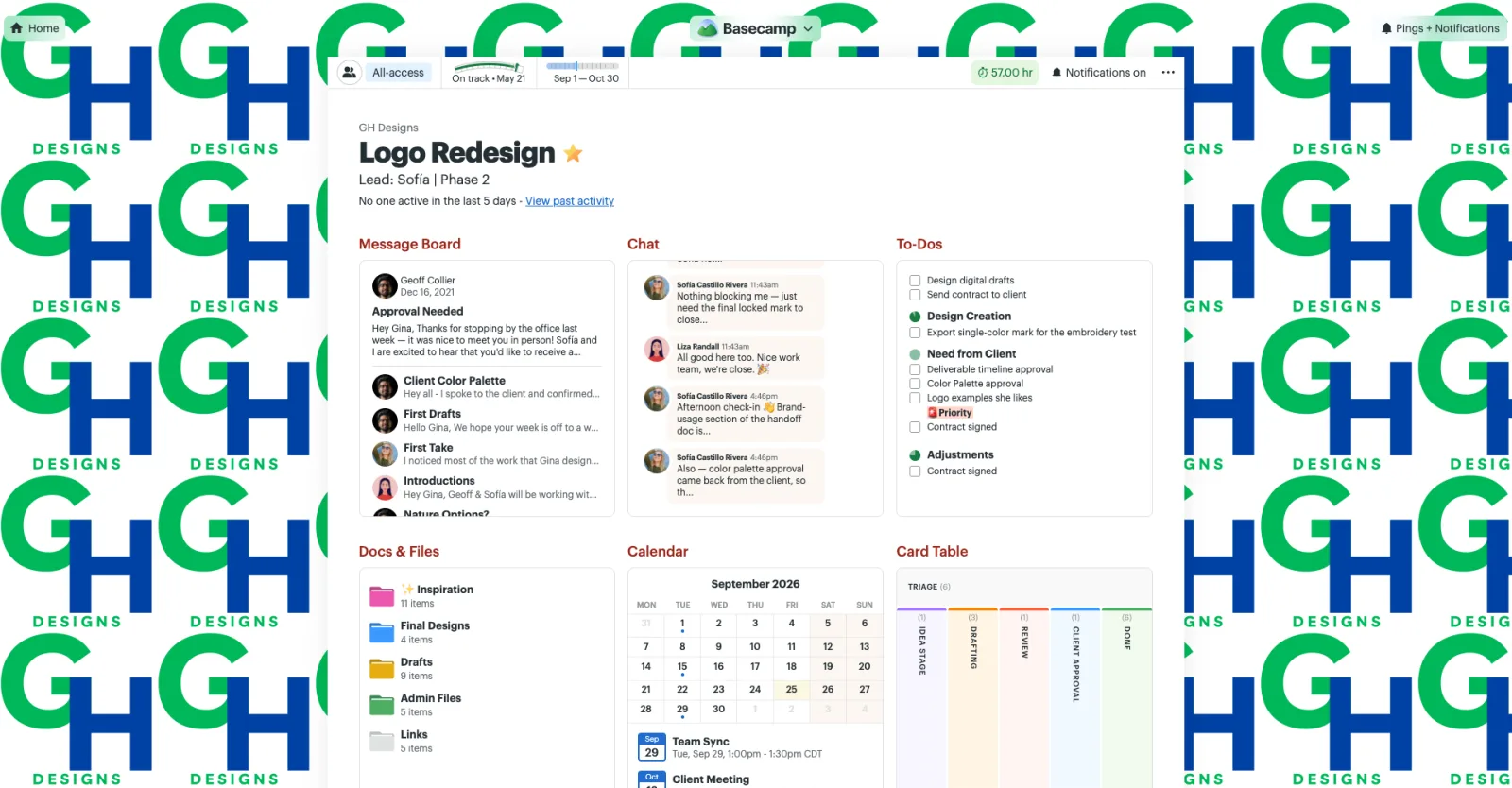
Add a client’s logo as wallpaper...
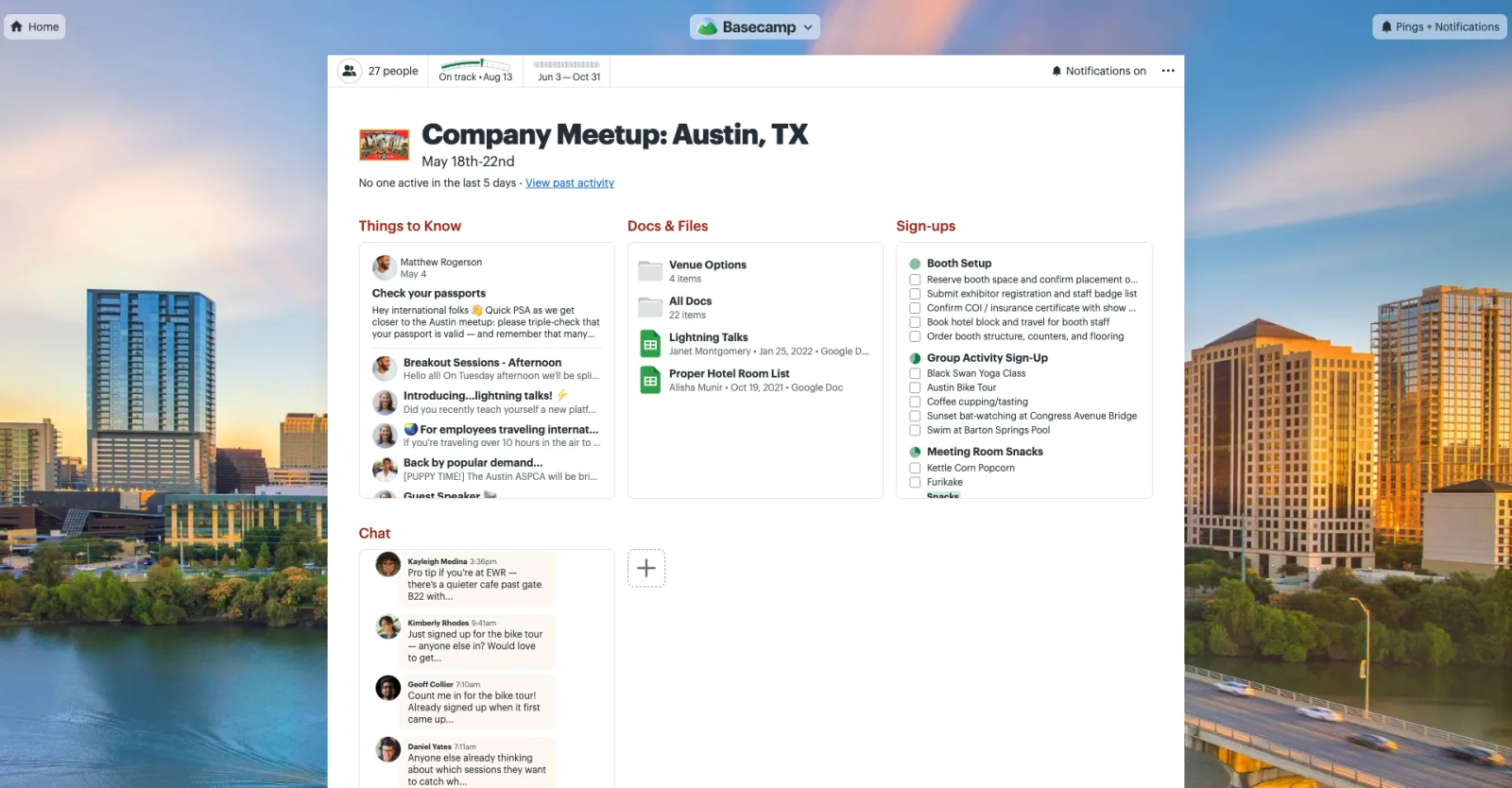
Or upload a fullscreen photograph!
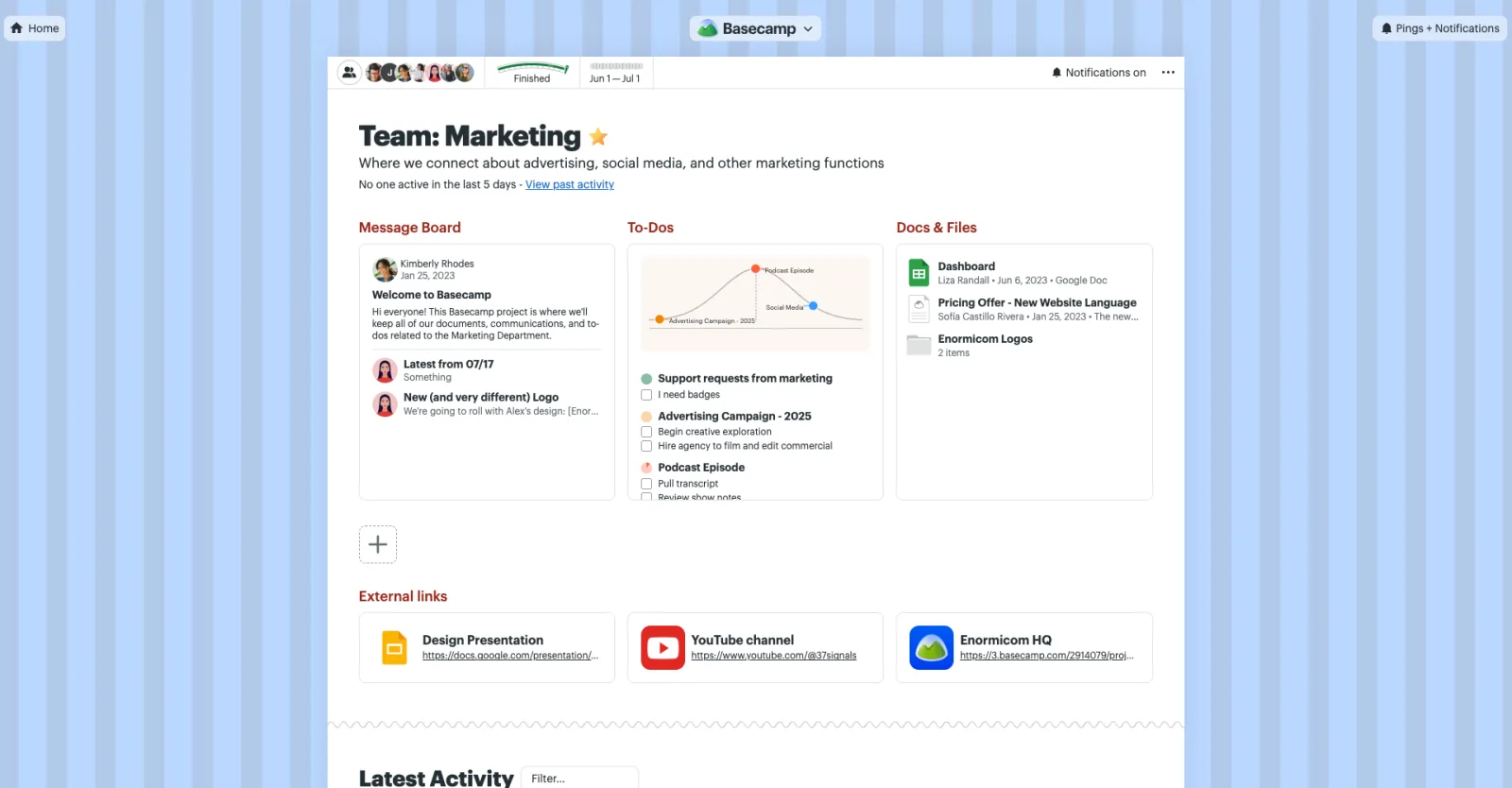
Use a subtle background pattern...

Or an image that represents the project.
To add a wallpaper, click the project name, then upload an image. Choose Fill Screen to stretch the image across the background or Tile to repeat it. Once it’s set, everyone on the project will see the same wallpaper.
Project wallpapers are available on the web and desktop apps. Give it a try! And good news… unlike actual wallpaper, it’s easy to remove.