The Everything page is a handy way to view messages, comments, files, and more across your entire account. We liked this all-in-one view so much that we decided tasks belonged there, too.
From the Everything page, select All tasks to see all to-dos and cards across your account, neatly grouped by project. Use the filters to drill down to a single project, show only to-dos or cards, or filter by assignee. You can also filter to see only overdue tasks, tasks with a due date, or tasks without one. Toggle subtasks on or off depending on how much detail you want to see.
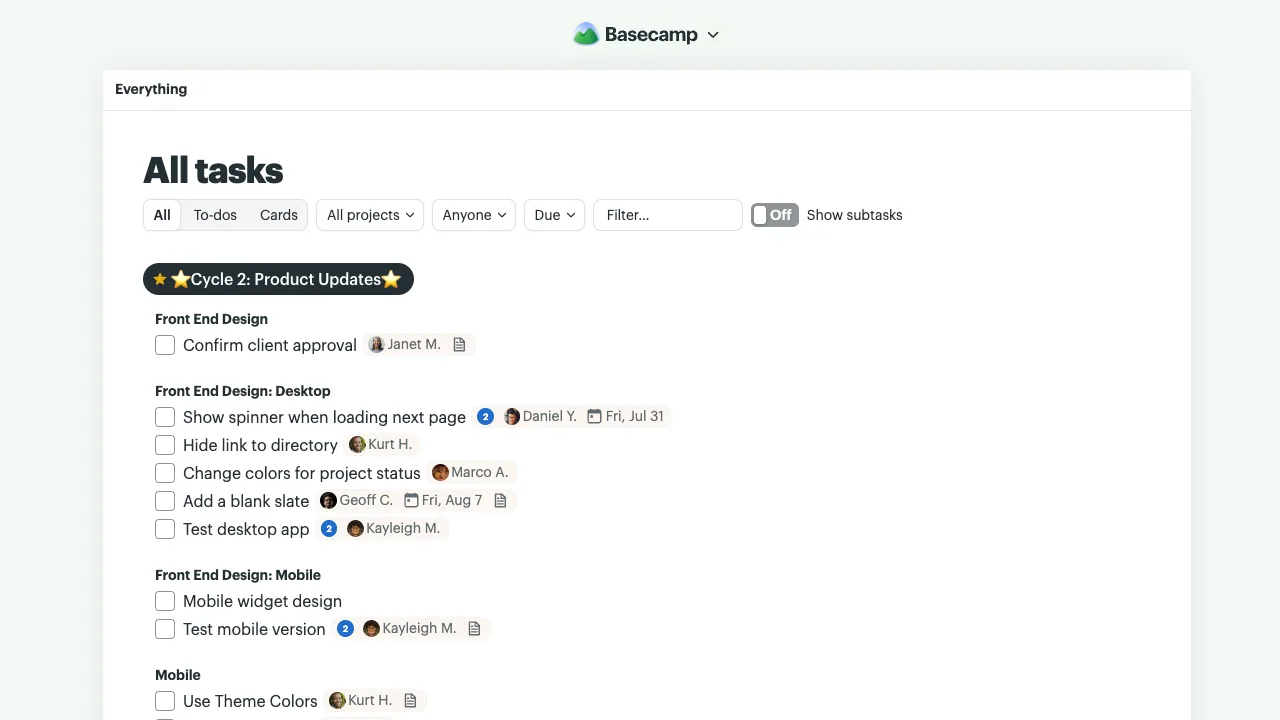
Whether you’re looking for one task or keeping tabs on everything assigned across your account, All Tasks puts it within easy reach.