You’ve always been able to see overdue to-dos from your Reports page. The only problem? To-dos aren’t the only things with due dates.
So, we’ve expanded the report and given it a new name: Overdue tasks. You’ll now see overdue to-dos, cards, and subtasks, too. You can narrow things down by type or use the filter to zero in on what you’re looking for.
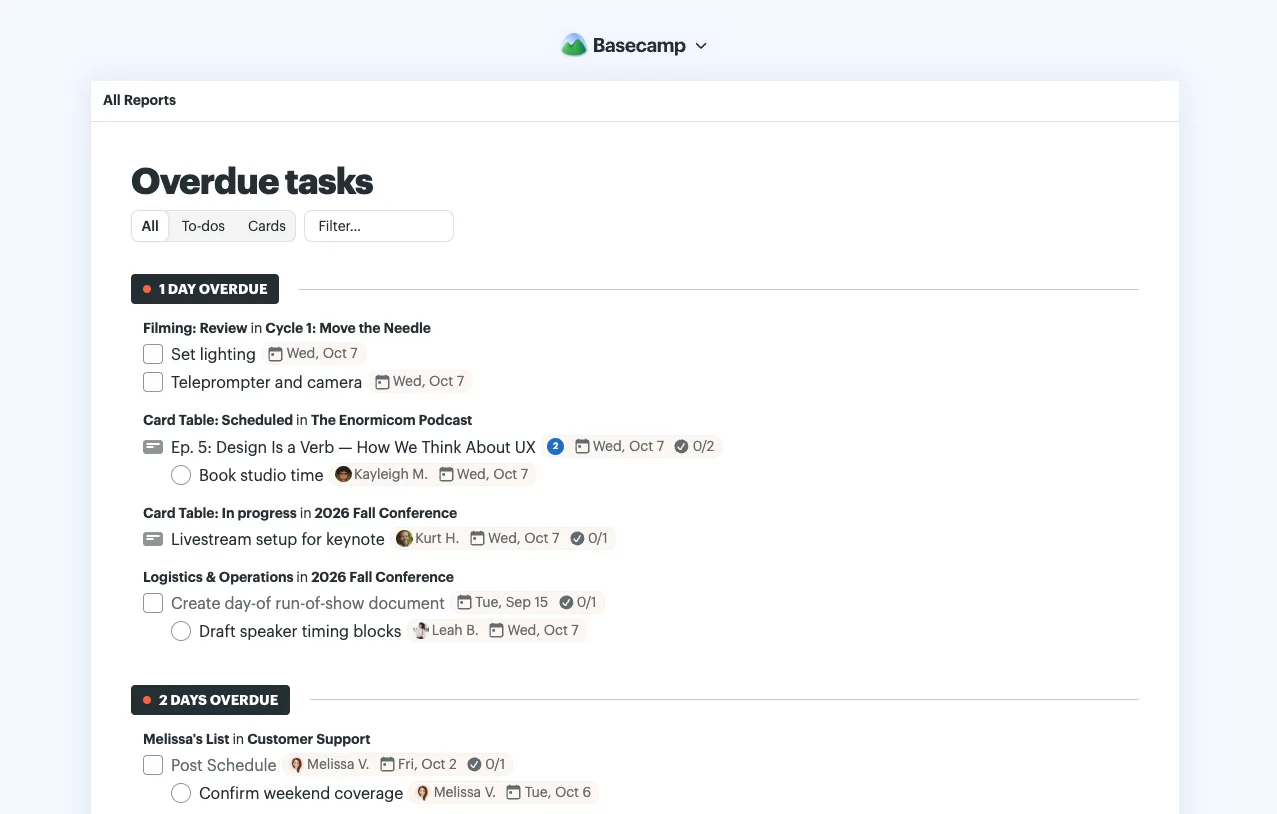
Find Overdue tasks with a quick search from the Jump menu (Shift + J), or head to Reports at the top of the Basecamp menu.