Not everything in a project is created equal. Some parts deserve a little extra attention, like the big launch date on the calendar, the folder of the latest brand assets, or the message titled “READ ME FIRST!” (All caps so maybe people will notice it.)
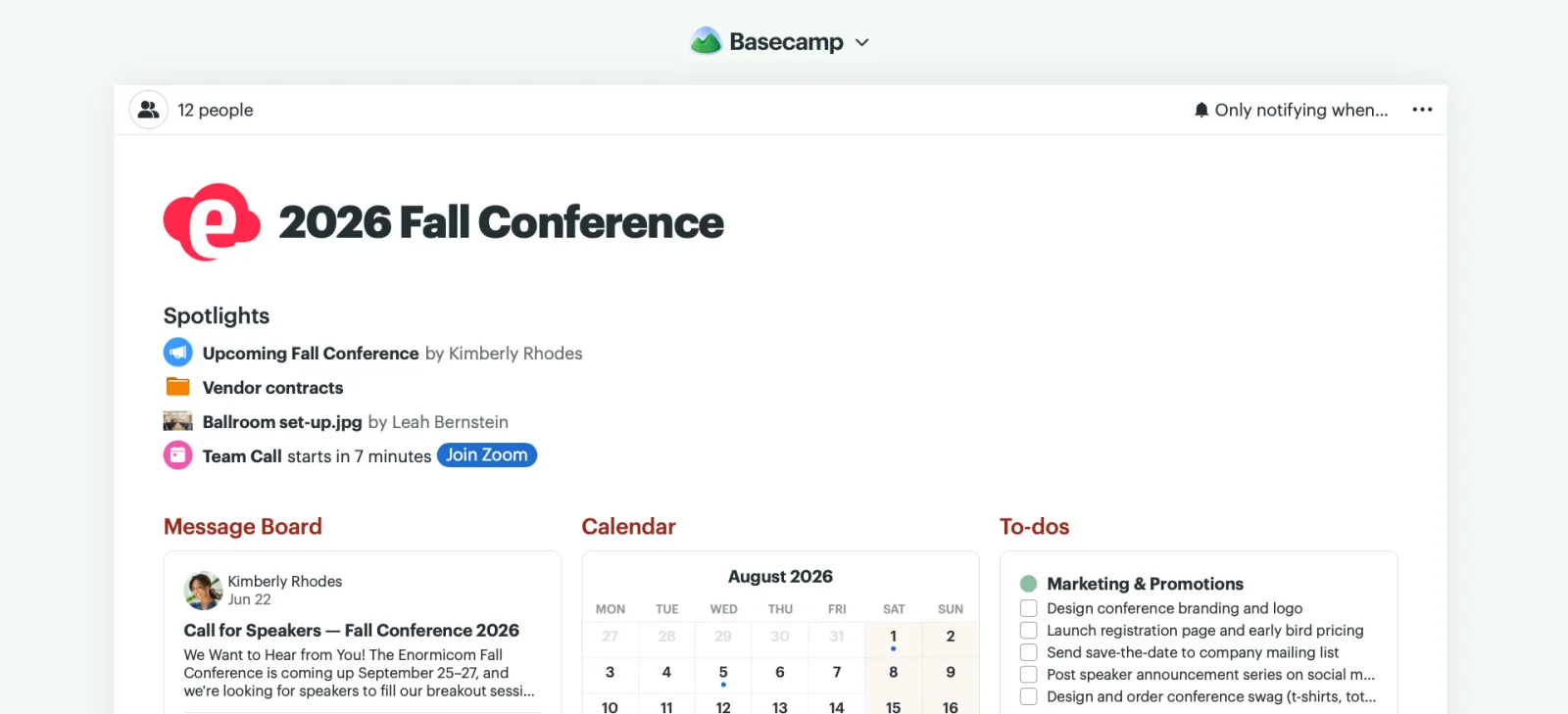
Now you can surface them right on the project home page with Spotlights.
To add one, open the item you want to spotlight. Click ••• in the upper-right corner and select Spotlight on project page.
You can spotlight just about anything — messages, cards, Card Table columns, To-Do lists, files, and more. Add as many as you need and drag them into whatever order you like. Spotlight an event and you’ll get a live countdown 15 minutes before the start time, plus a join link if there is one, right on the project page.
When something no longer belongs in the spotlight, click the ••• menu and select Remove Spotlight.
Spotlights keep what matters most front and center, so no one has to go digging for what you need them to see. Want to see them in action? Check out this quick video.