Sometimes work needs to move from one card table to another. Maybe the support team needs to send a card to on-call or marketing is handing off a card to design. Before, moving a card between card tables took a few steps. Now, you can create a wormhole to connect two card tables together.
Click the ••• menu at the top right of a card table, then 🌀Add a wormhole. Select the destination and the column where cards should land.
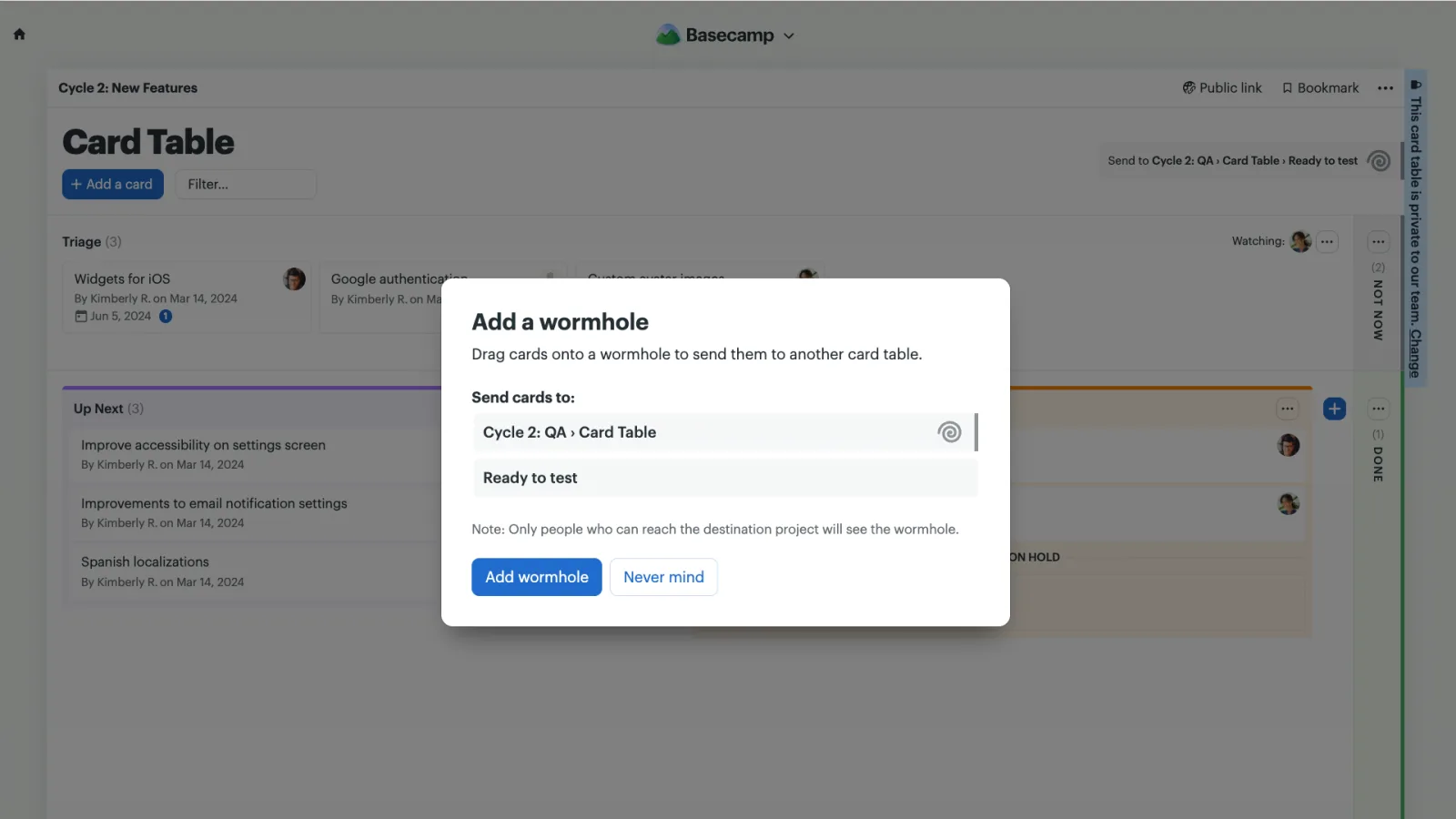
Once it’s set up, simply drag a card onto the wormhole to send it through. Moving work between card tables is as easy as drag and drop.
Watch this short video to see Wormholes in action.