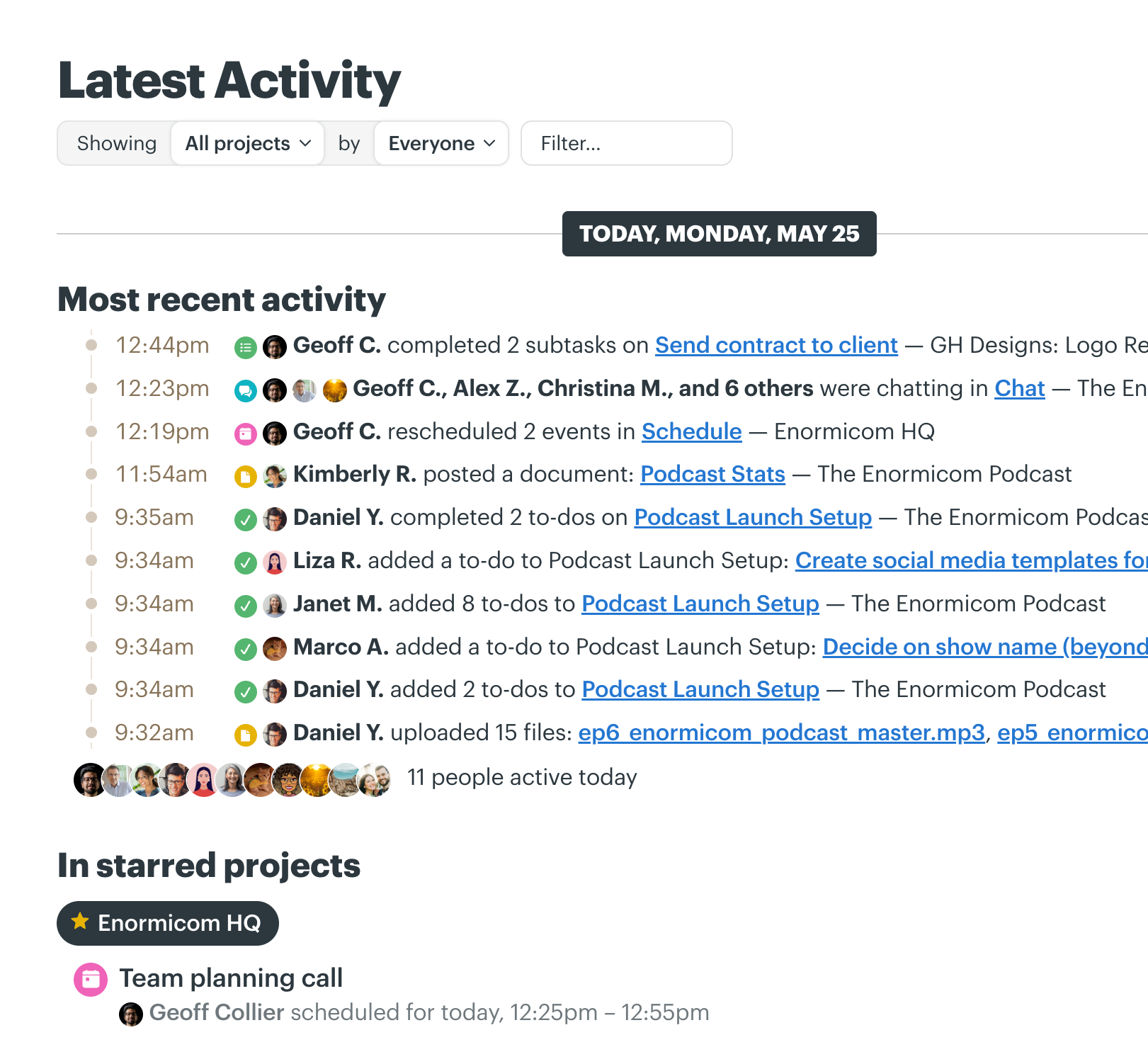
If there are tasks to do, discussions to have, decisions to make, files to share, deadlines to hit, relationships to manage, and work to deliver, Basecamp helps make it happen. Here’s just some of what Basecamp can do for you.
Where there’s work, there’s Basecamp
The Project page keeps it all together
Every project in Basecamp gets its own page. Add the tools you need (to-dos, message boards, chat, a calendar, card tables), then invite co-workers, clients, even AI Agents. Everything stays organized, automatically.
Message Boards for announcements and discussions
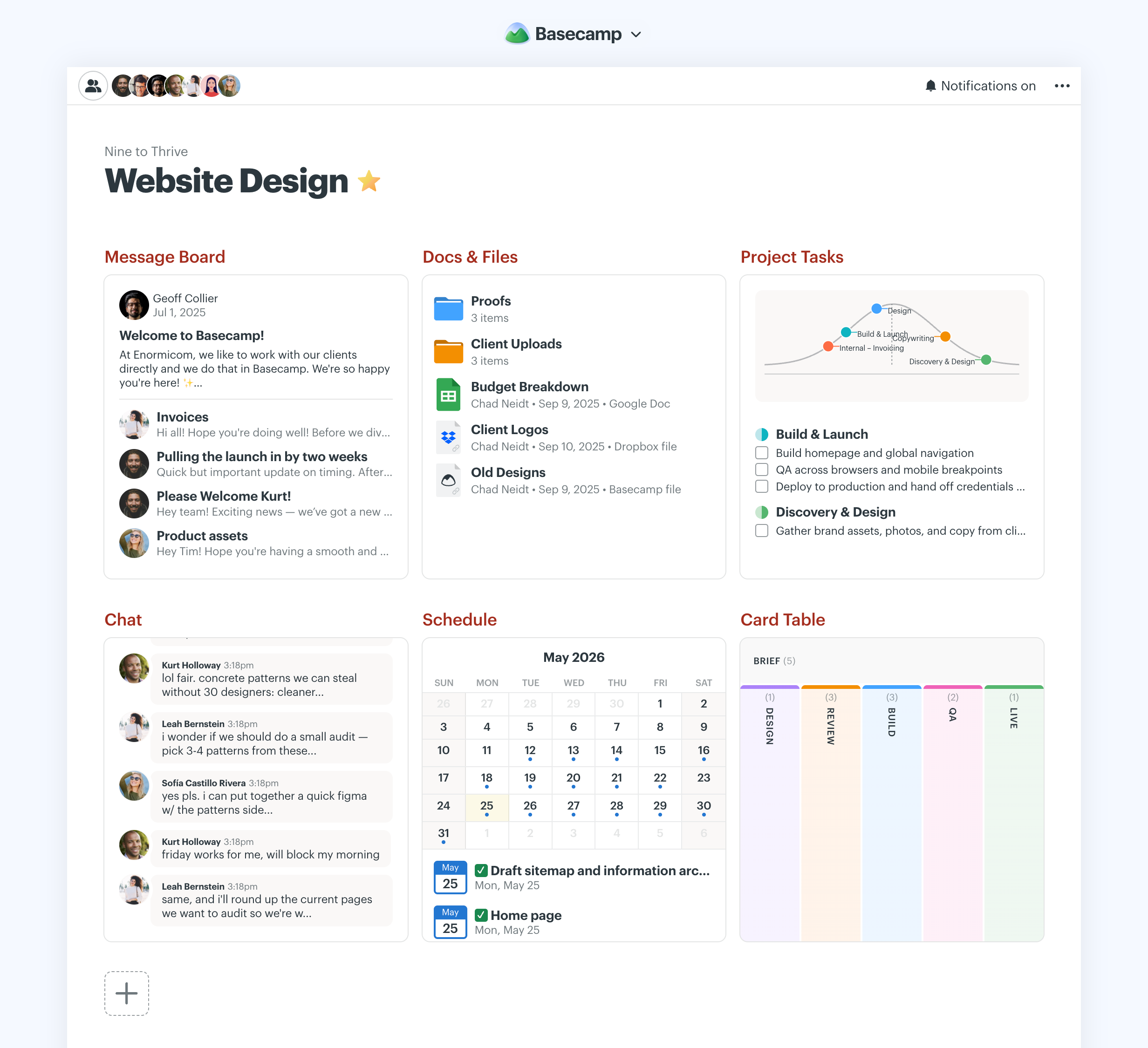
Message Boards replace email. Announcements and discussions live as posts, with every reply attached right below. It’s all in one place, so even people you bring in later can get up to speed quickly.
To-do Lists for tracking all the little things
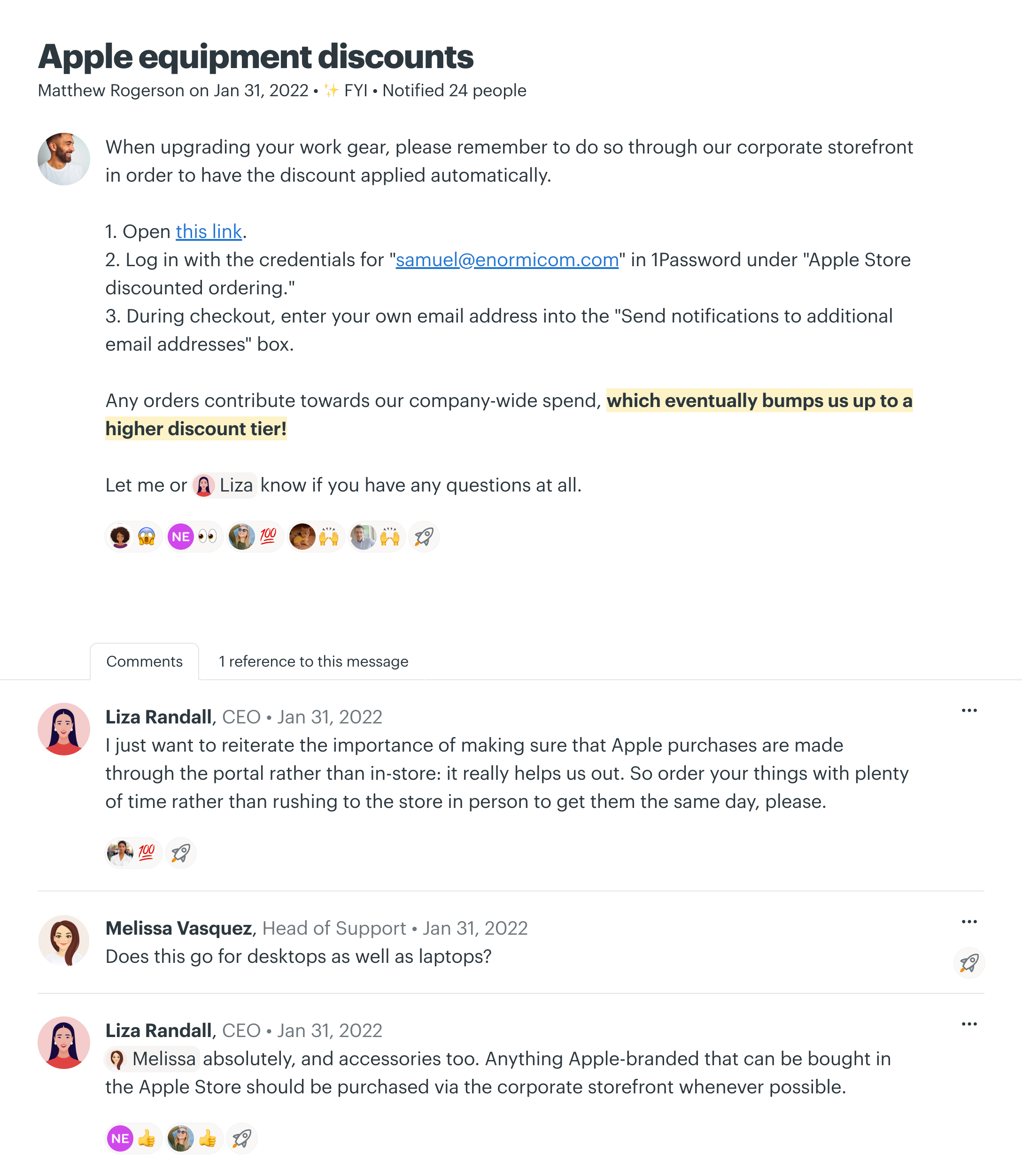
Make a list, or ten lists. Assign items, set due dates, attach files, even create subtasks. It’s all so simple when it’s in Basecamp for your entire team to see.
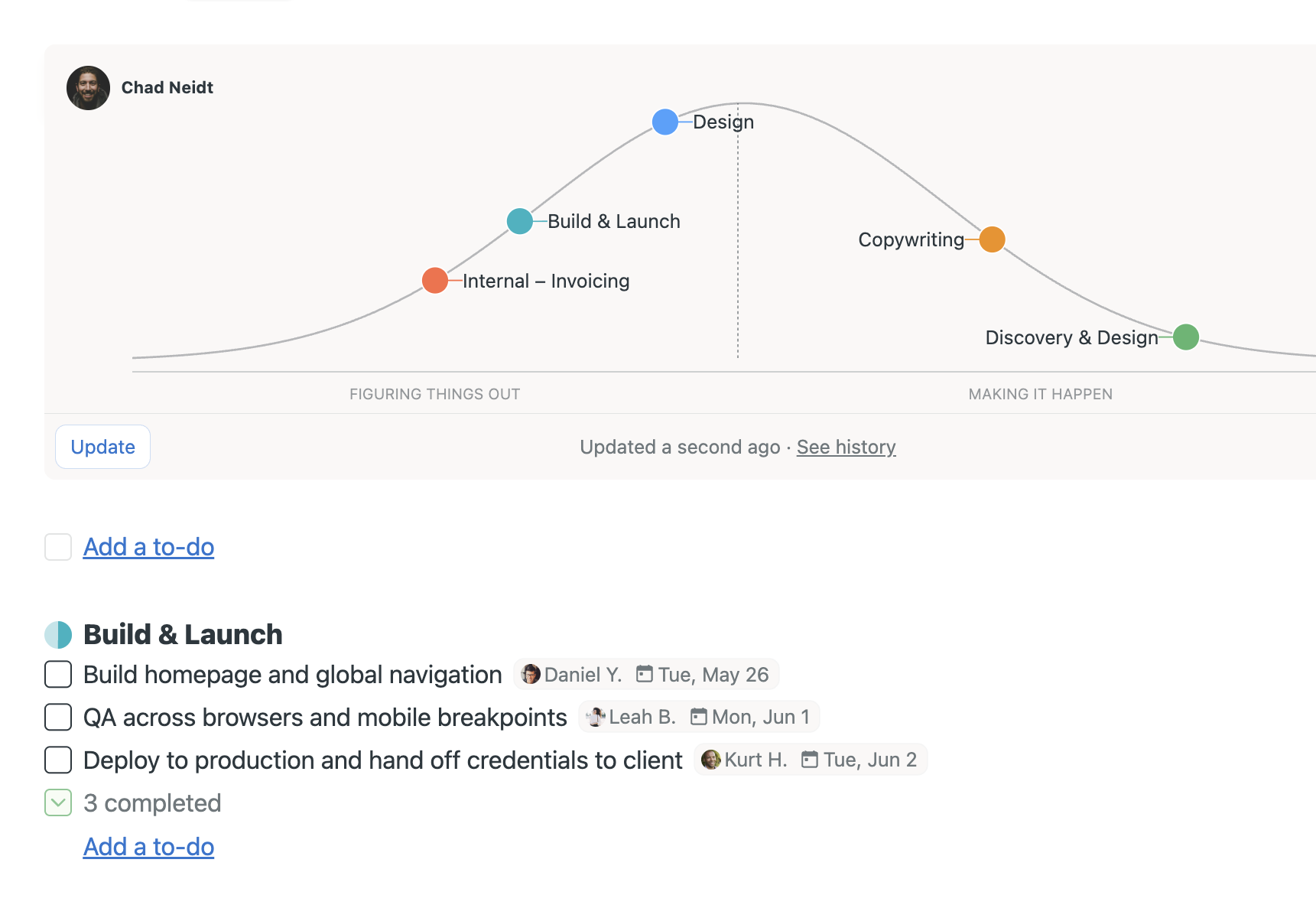
Hill Charts show you where things really stand
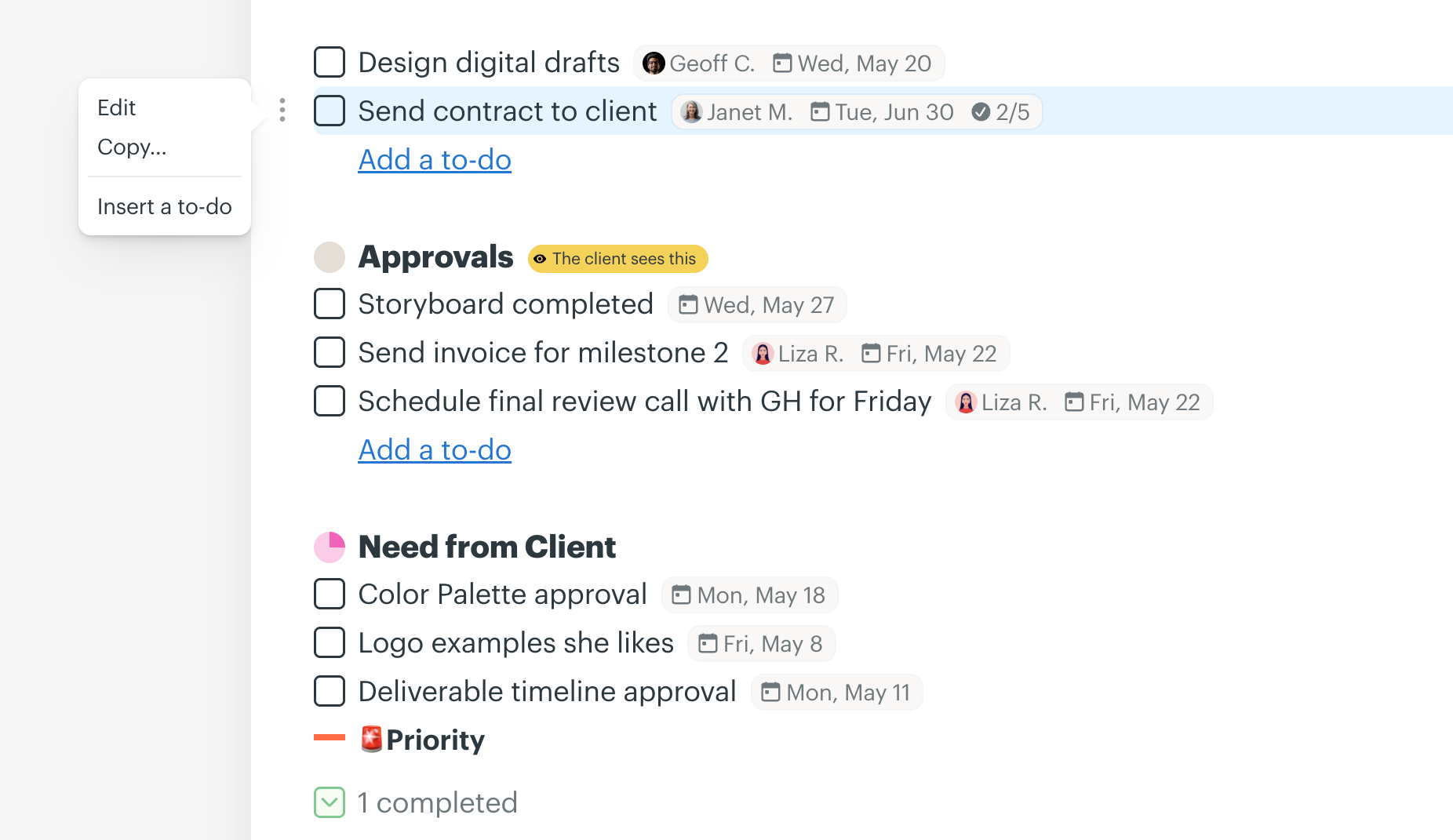
Is the project going to be done on time? Are people stuck? Basecamp’s Hill Charts let you know exactly where things really stand. Interesting, tell me more.
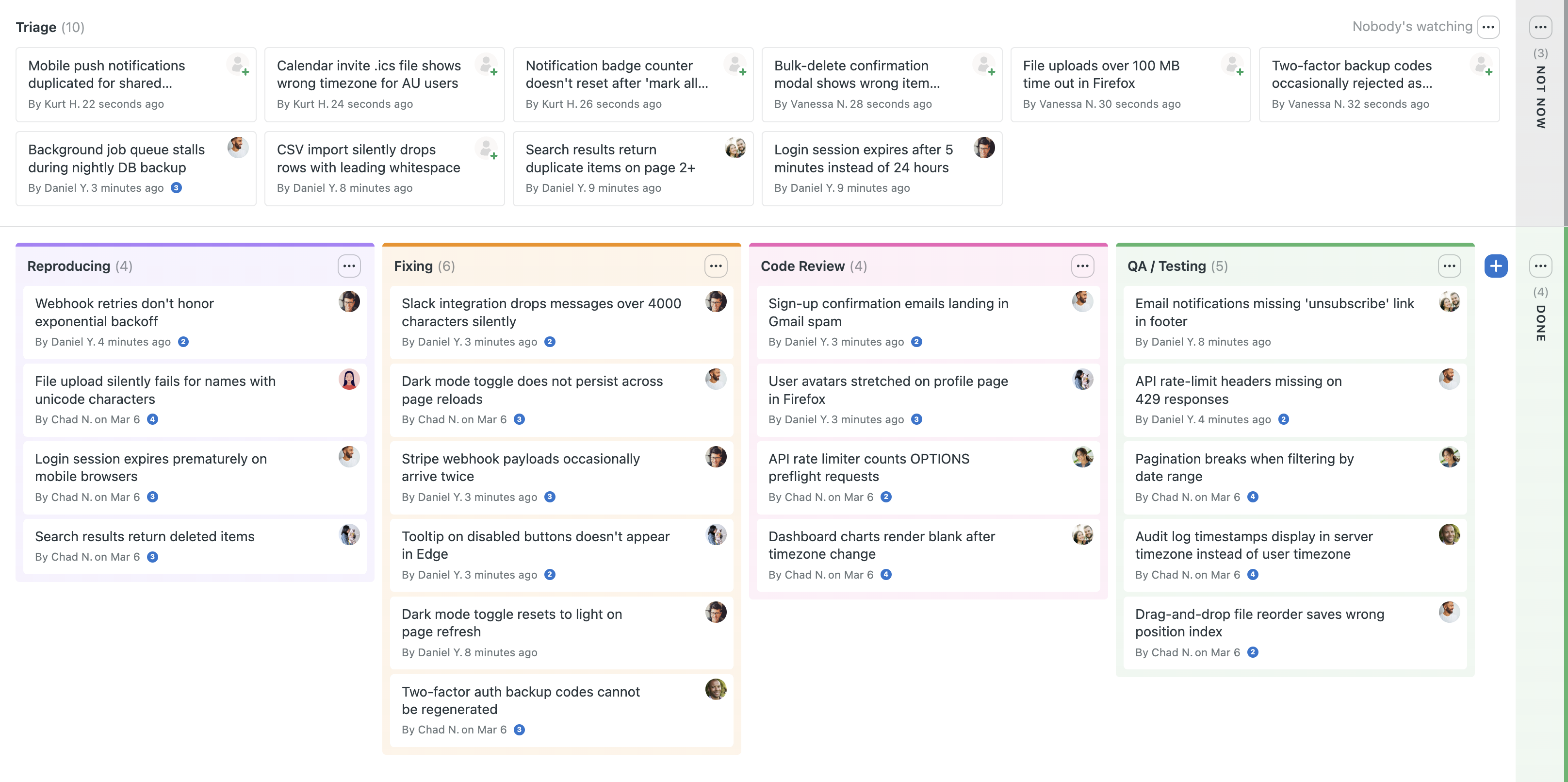
Card Tables for tracking work through stages
Card Tables are our take on kanban boards. Add cards, set up columns, and move work through phases. Perfect for bug and issue tracking, software development, production work, or anything with distinct stages.
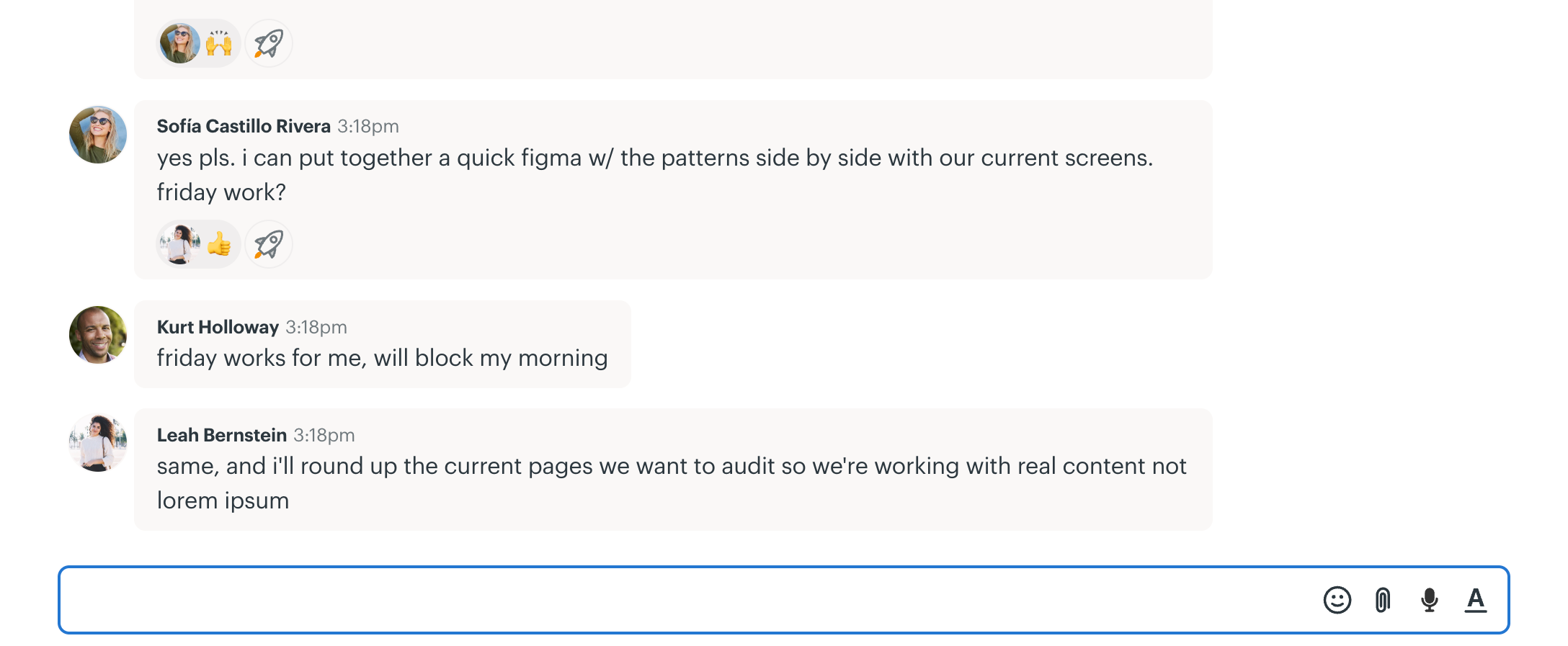
Campfire chats for quick, casual conversations
With Basecamp you don’t need Slack, WhatsApp, or another chat app. Just chat in Basecamp instead. Perfect for real-time conversations, quick file sharing, random questions, stuff like that.
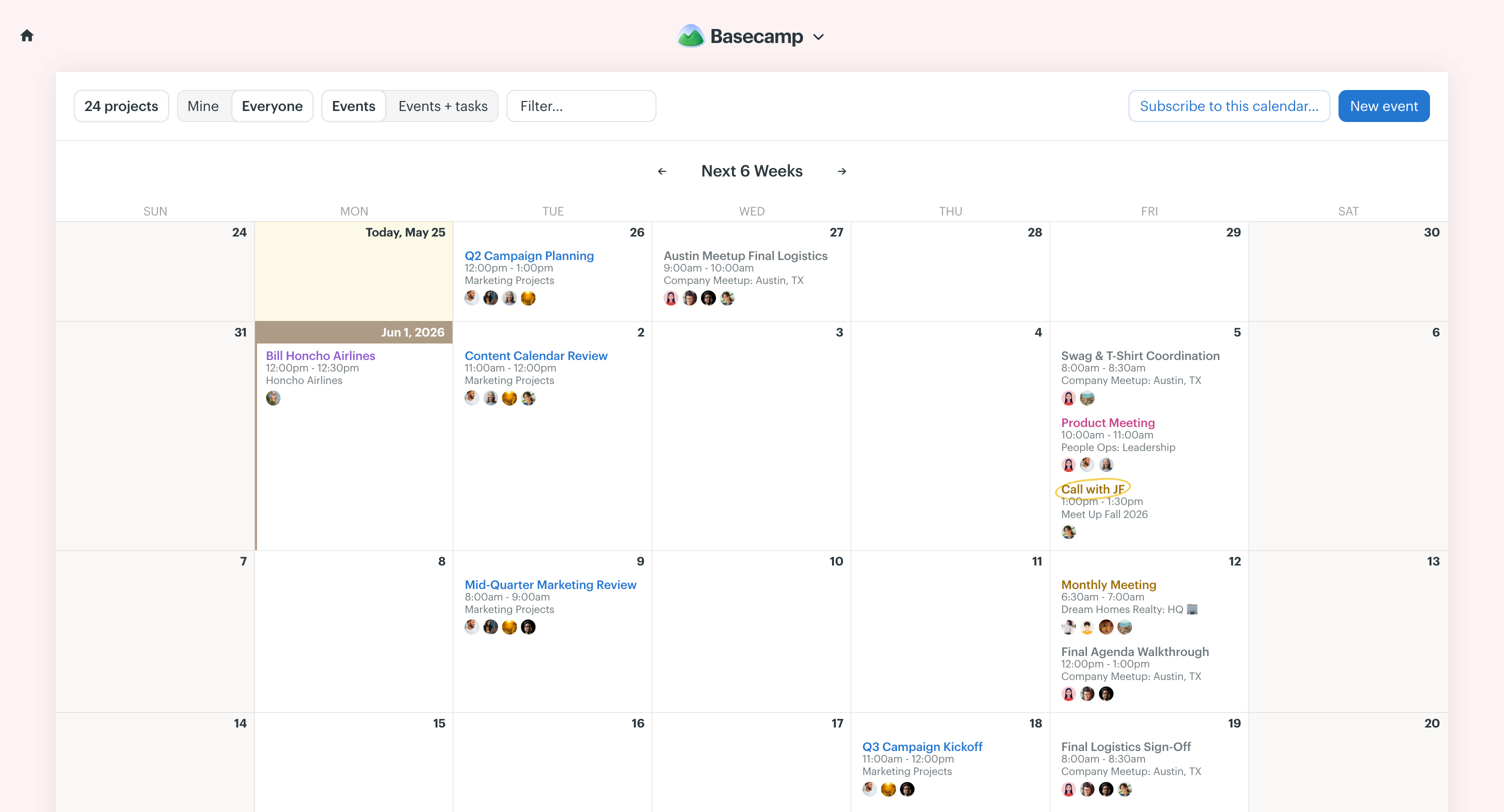
The Basecamp Calendar for big dates
Add a built-in calendar to your project for deadlines, milestones, events, and meetings. A global calendar brings every project together, and you can subscribe in Outlook, Google Calendar, HEY Calendar, and more.
Automatic Check-ins for recurring questions
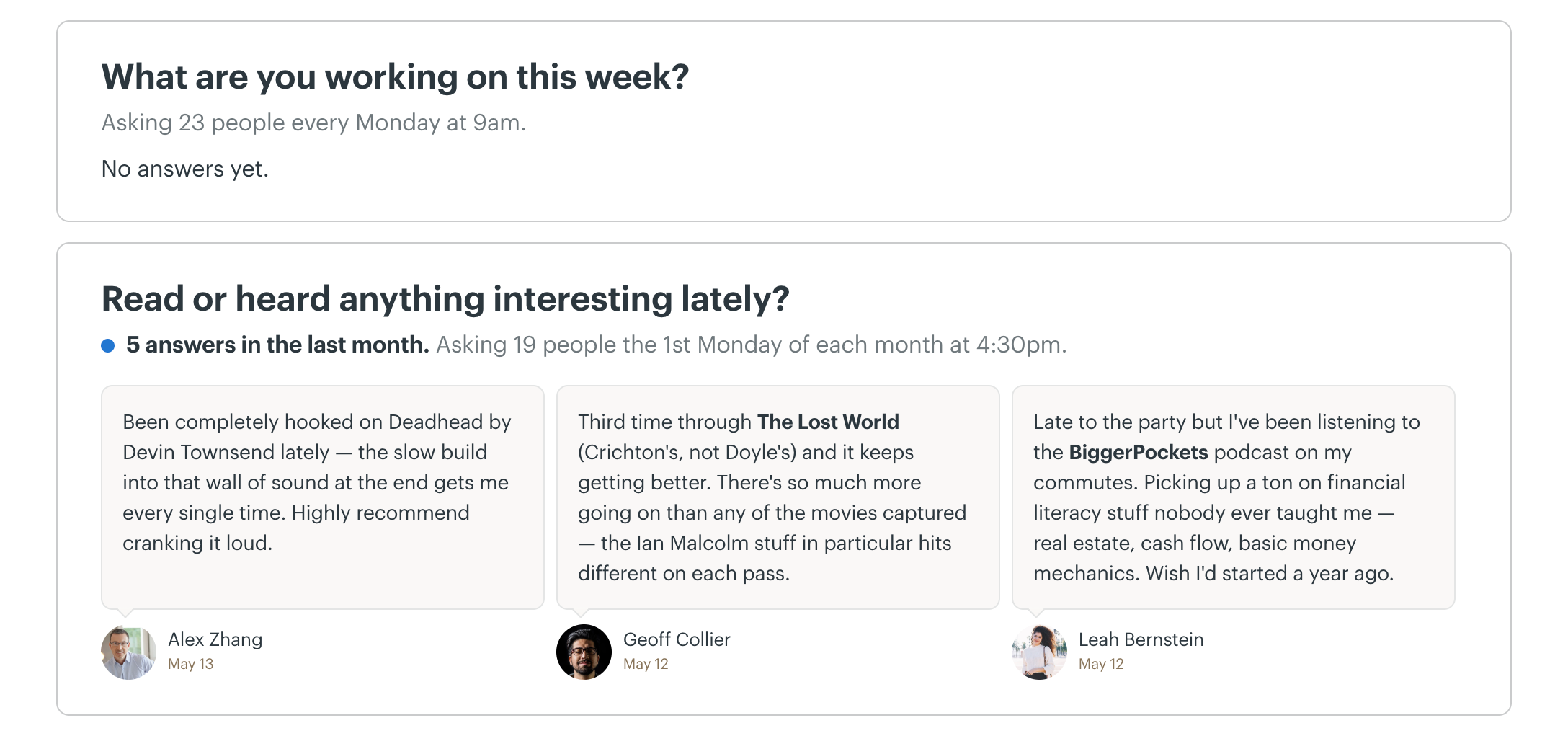
Cut back on meetings by setting up Automatic Check-ins. Basecamp asks your team questions on a schedule, like “What are you working on this week?” every Monday at 9am, and saves everyone’s answers in one place.
Docs & Files for reference materials, assets, and links
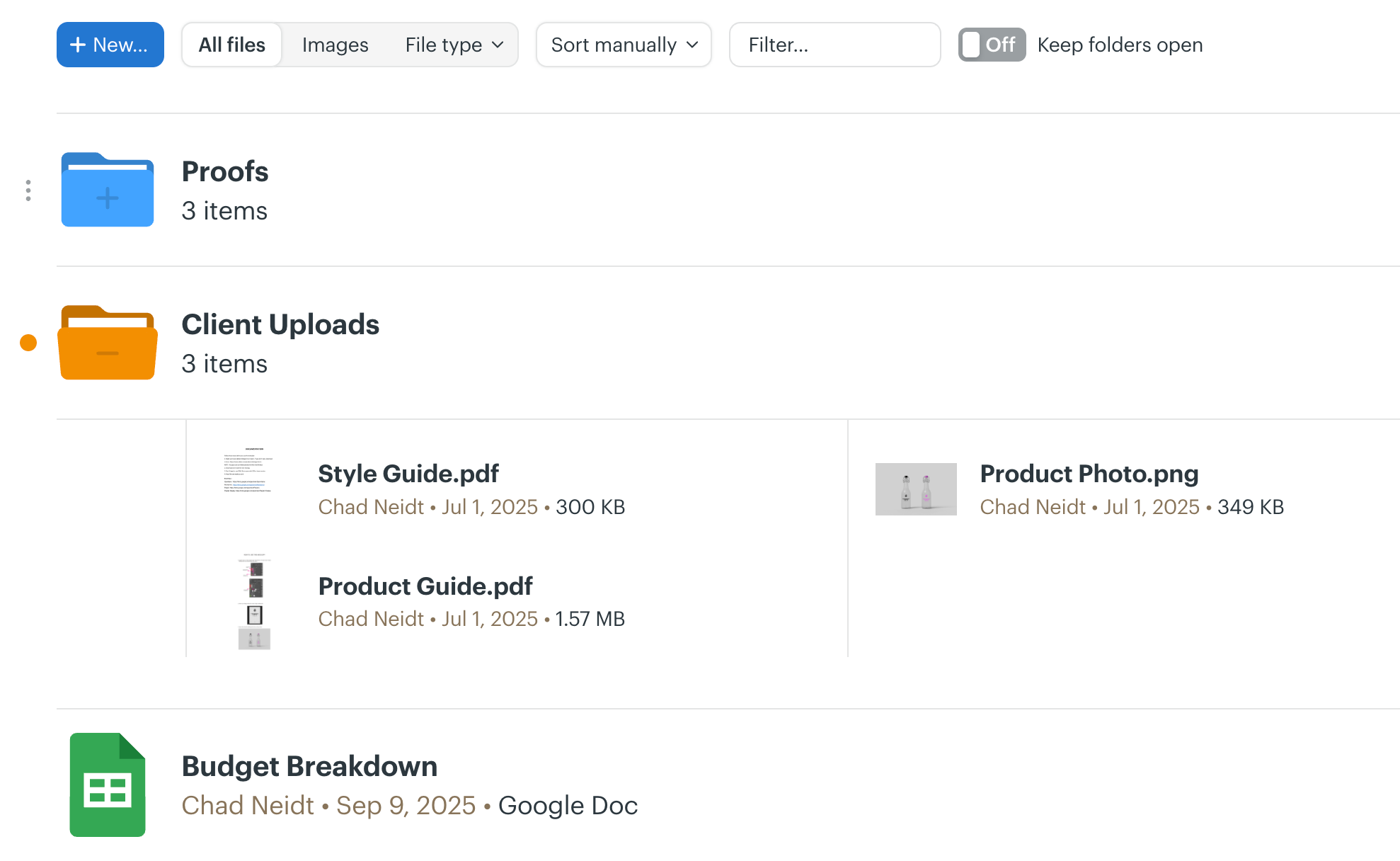
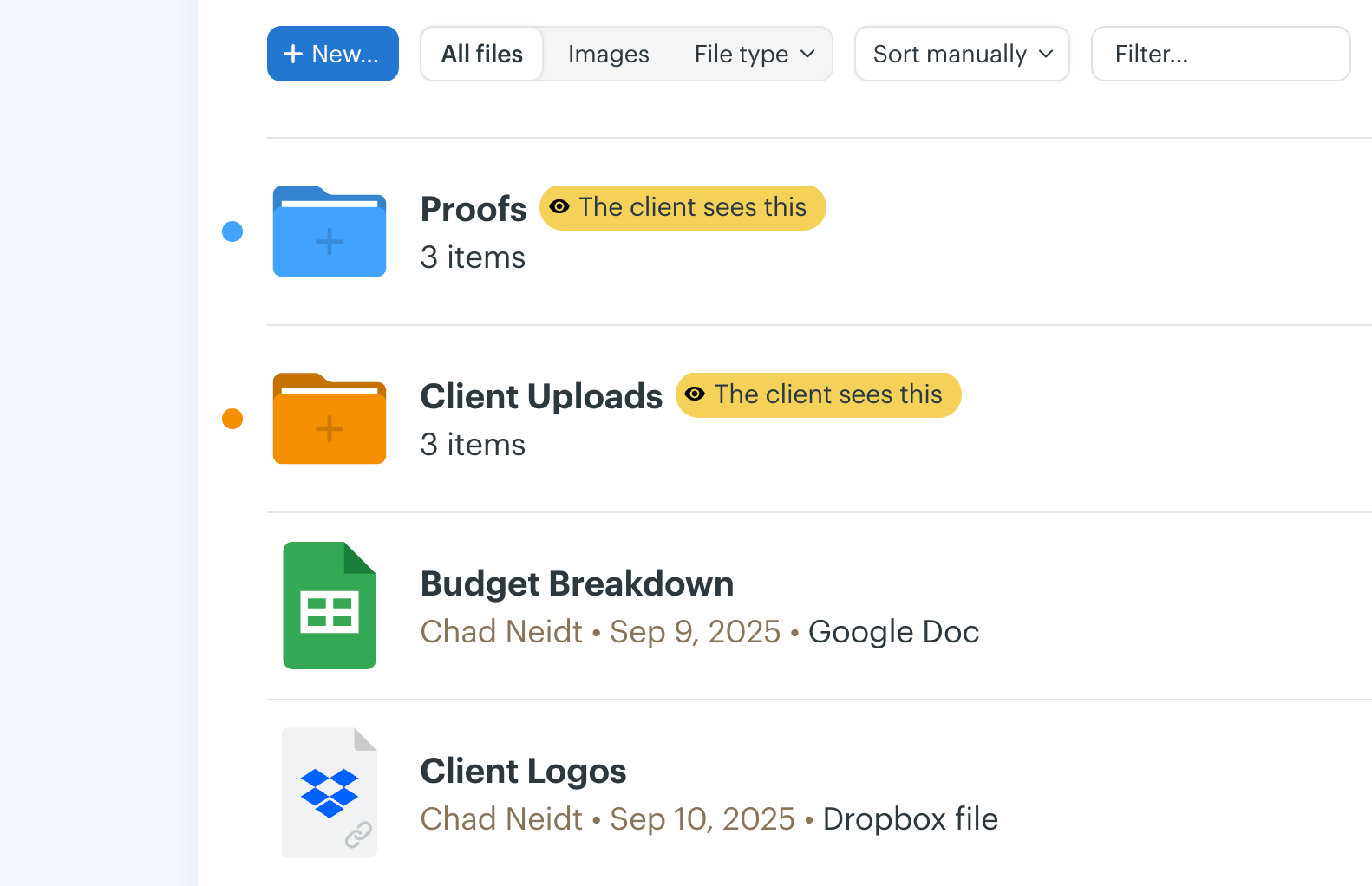
Docs & Files keeps images, documents, PDFs, even cloud files from Figma, Google Docs, and Dropbox neatly organized inside your projects. Brand assets, approved designs, all in one spot everyone can find.
My Tasks, Events, Today, Bookmarks, and Notes
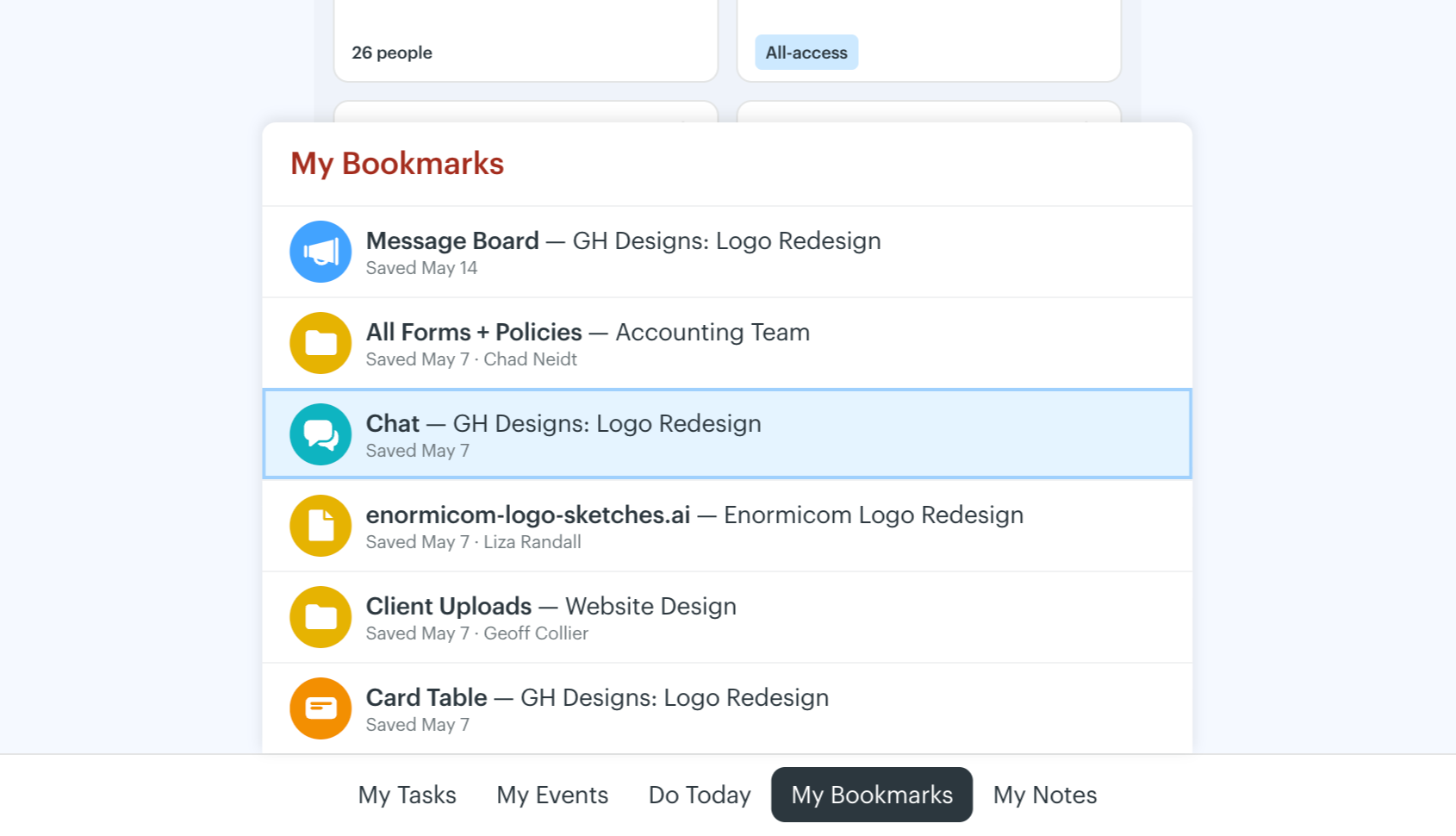
Get instant access to your tasks, events, bookmarks, and notes, right from the “My Bar” at the bottom of the screen. It’s keyboard accessible too, so you can pop your assignments up without touching the mouse.
Reports for high-level overviews
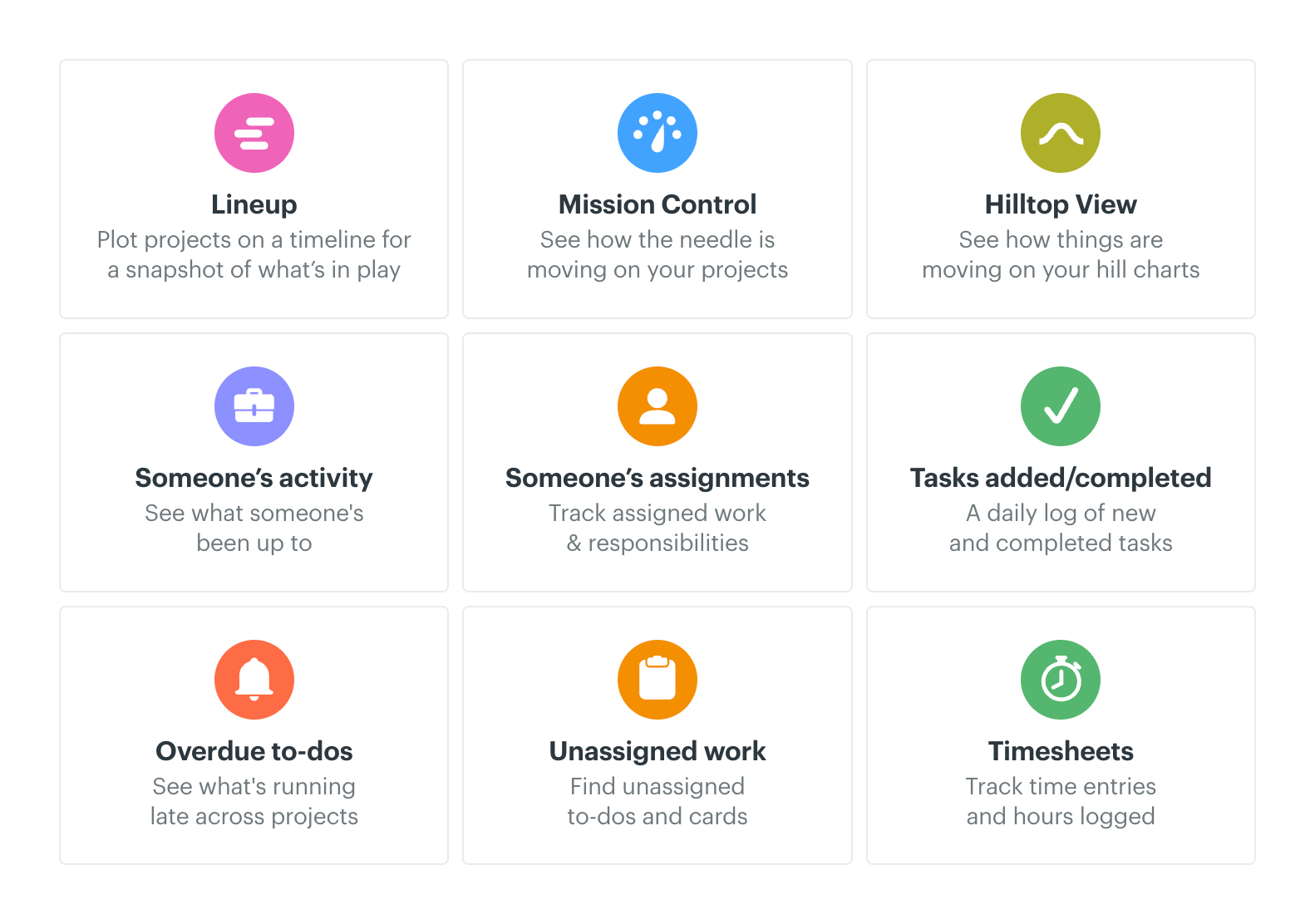
Get an instant read on where things stand with Basecamp’s Reports.
Everything Views are like having x-ray vision
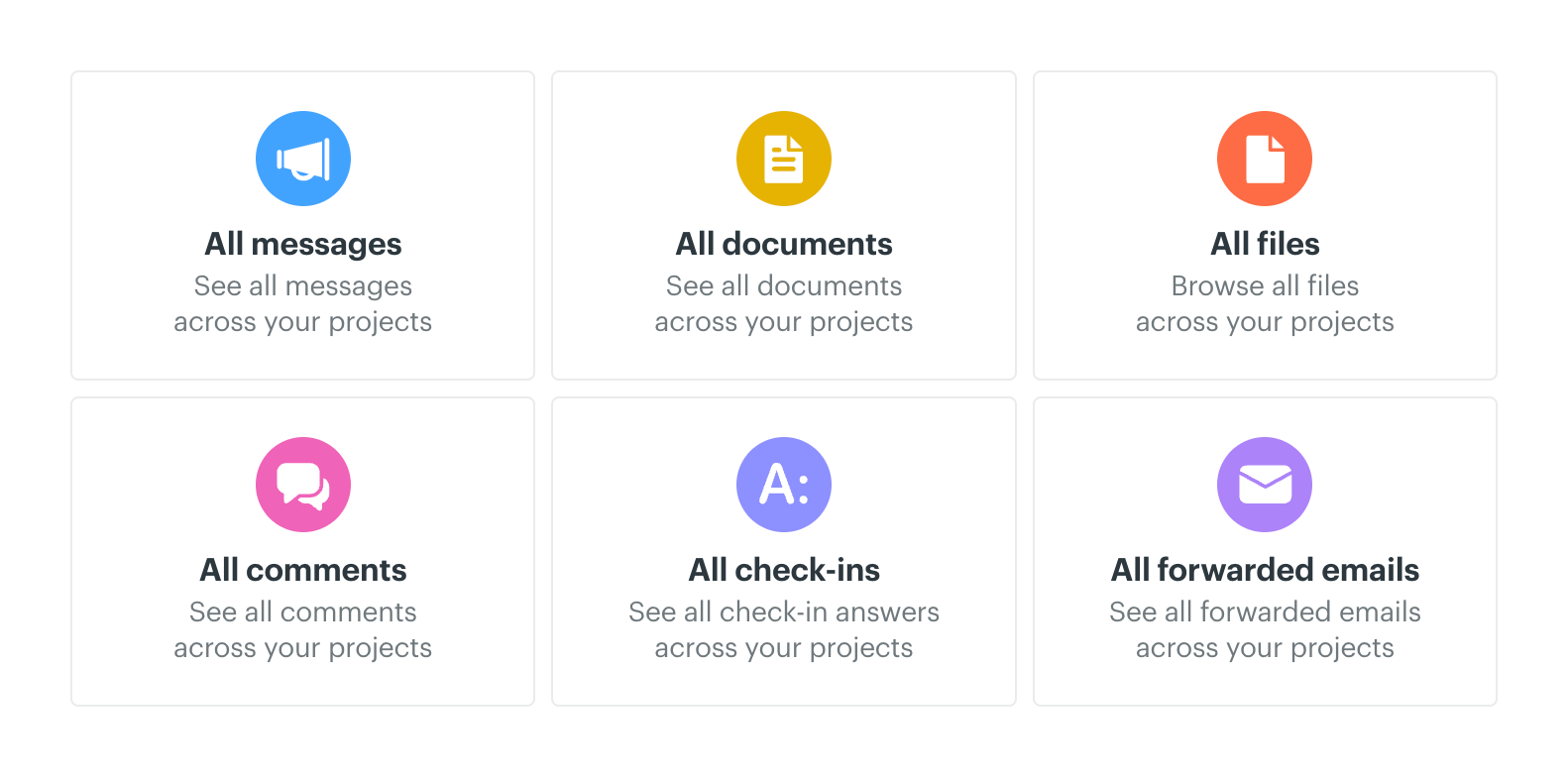
A real game changer, Everything Views pull everything of one type onto a single page, no matter which project it’s in. Know someone uploaded a file but don’t remember where? Check “All Files” and it’ll be right there.
The Lineup is your bird’s eye view
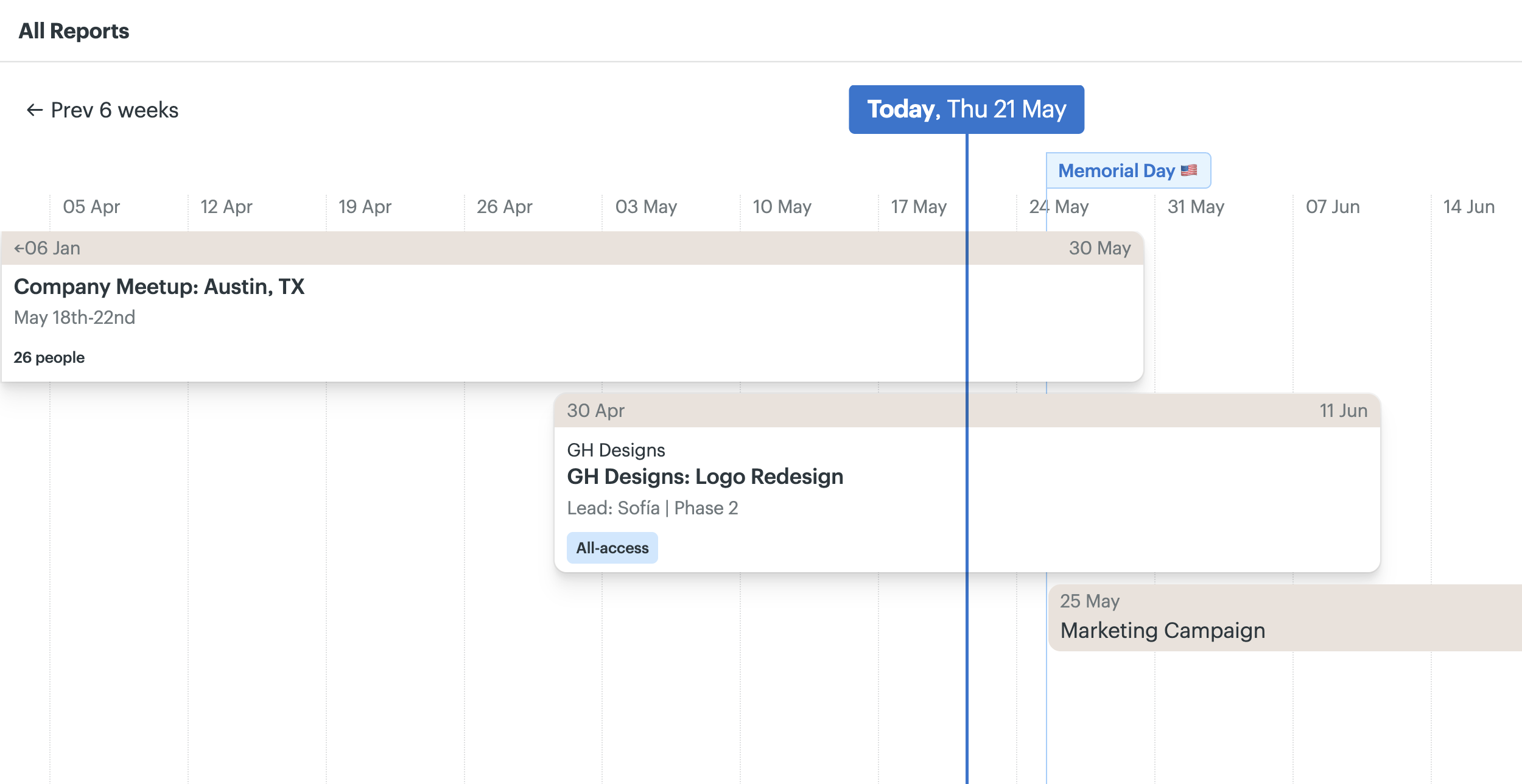
Want to see every project plotted on a timeline based on start and end dates? Then you want The Lineup. See overlaps, see beginnings and ends, see who’s on what, even see key dates superimposed over everything. You’ll love it.
API, CLI, SDK, Skills, and Integrations
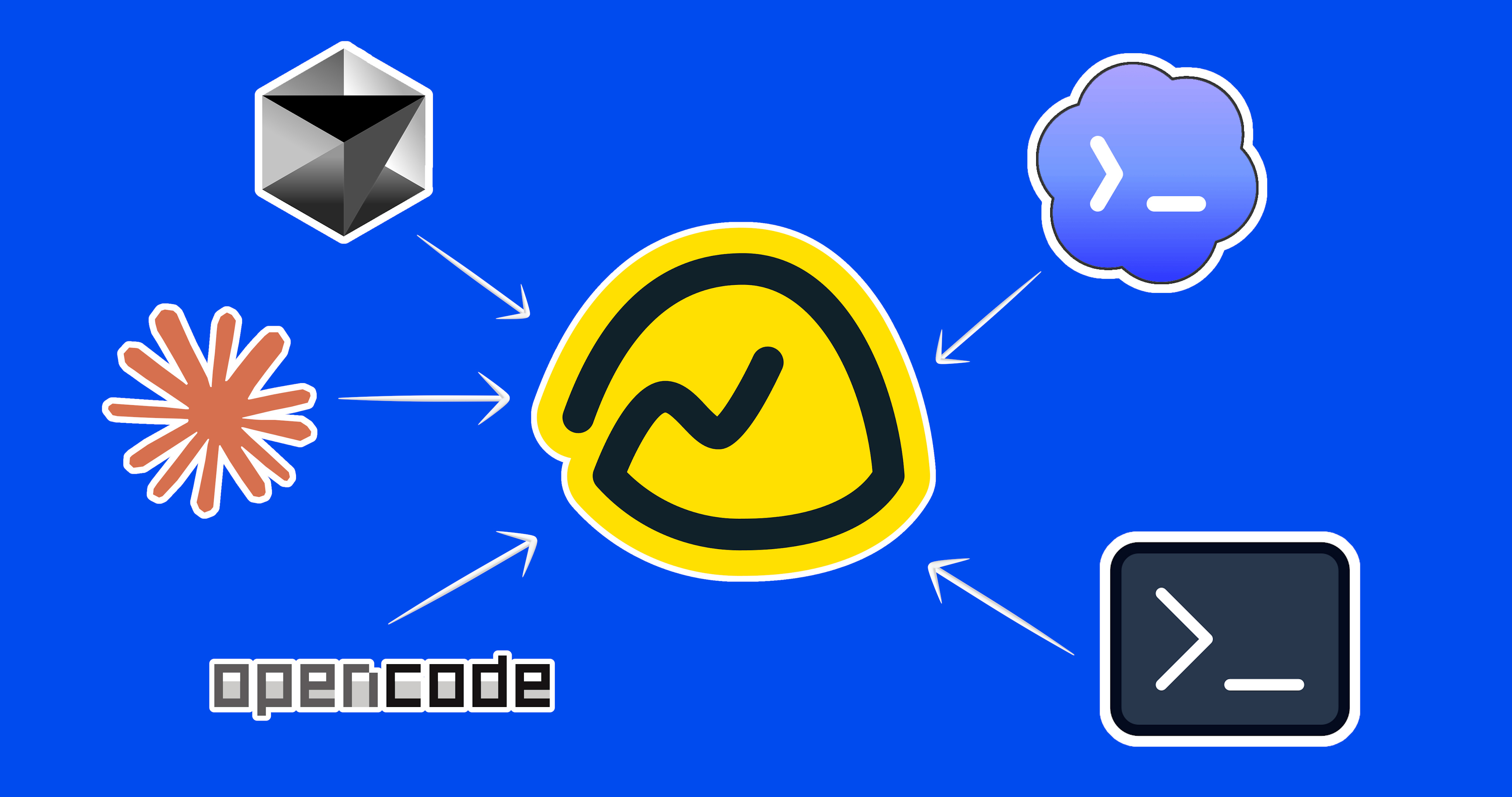
Connect other services with the Basecamp API, add 3rd party integrations, work from the command line (CLI), or invite your favorite AI agent. Claude, Codex, OpenCode, Cursor — all are welcome.
Keyboard shortcuts speed everything up
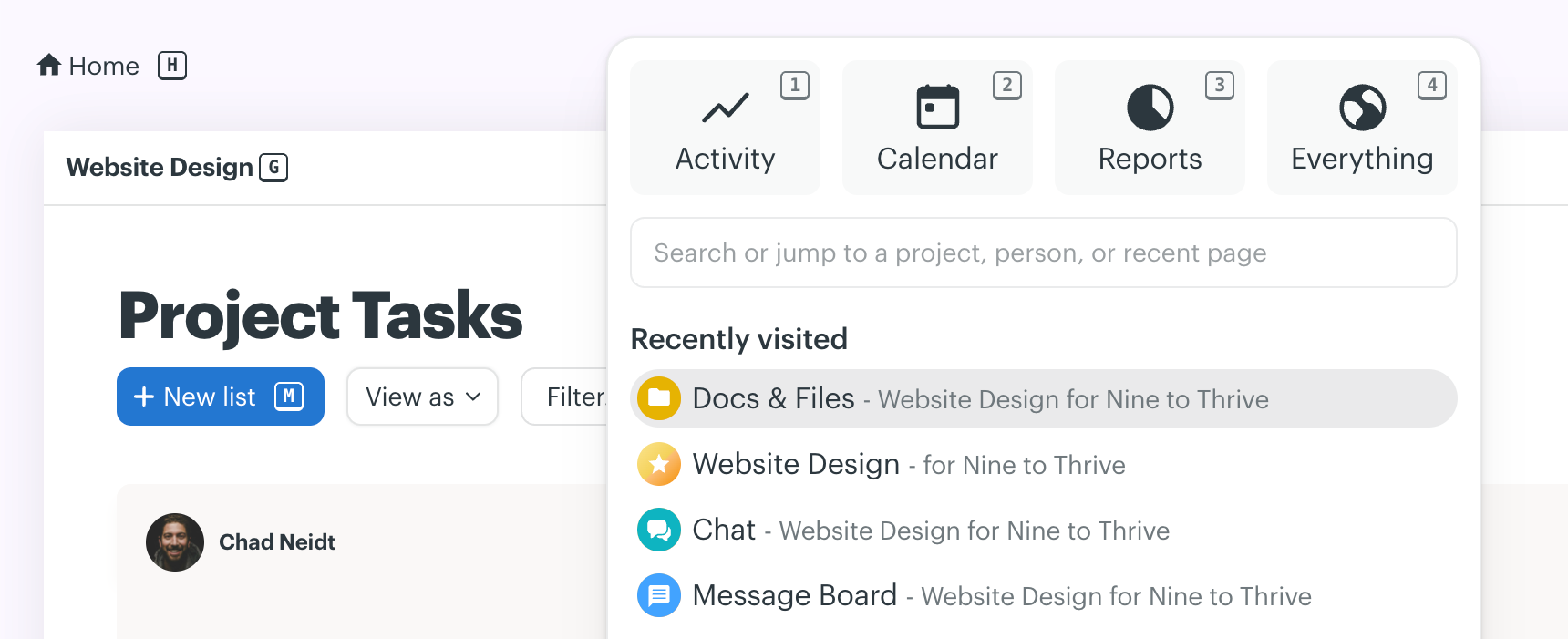
Hit SHIFT and little keys appear next to everything you can navigate to. Add that letter to jump right there, no mouse required.
Decide what clients get to see
Working with a client? Basecamp’s Client mode lets you decide what they should — and shouldn’t — see, project by project. Hide unfinished work, keep conversations on the record, and collaborate together. It’s a win-win.
Activity that’s easy to absorb
In Basecamp, activity is neatly organized by topic, clearly attributed, and time-stamped. Scroll back to see what happened yesterday, last week, or since the beginning of time. Quiet stretches show too.